Polaroid Style Frame Generator
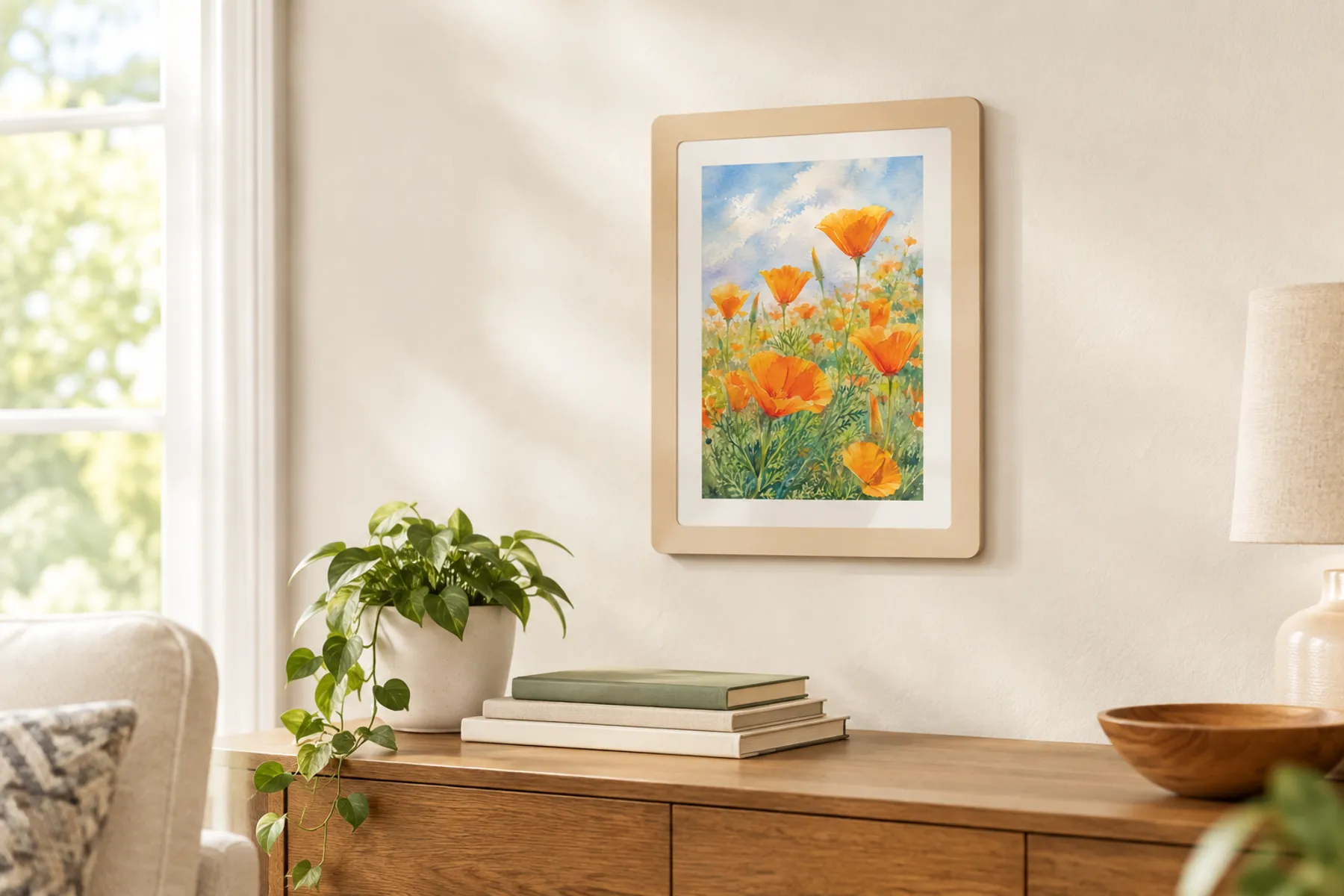
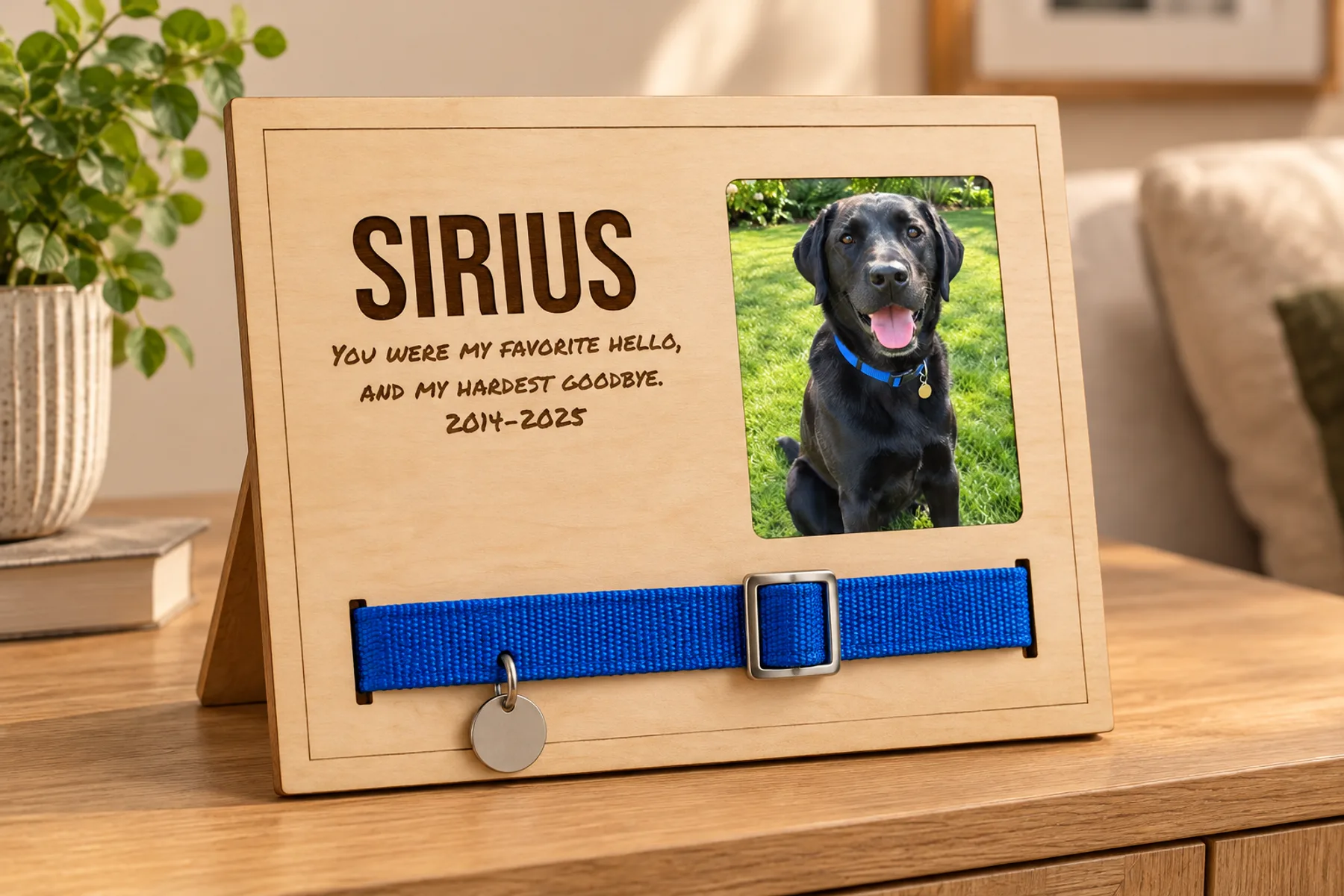
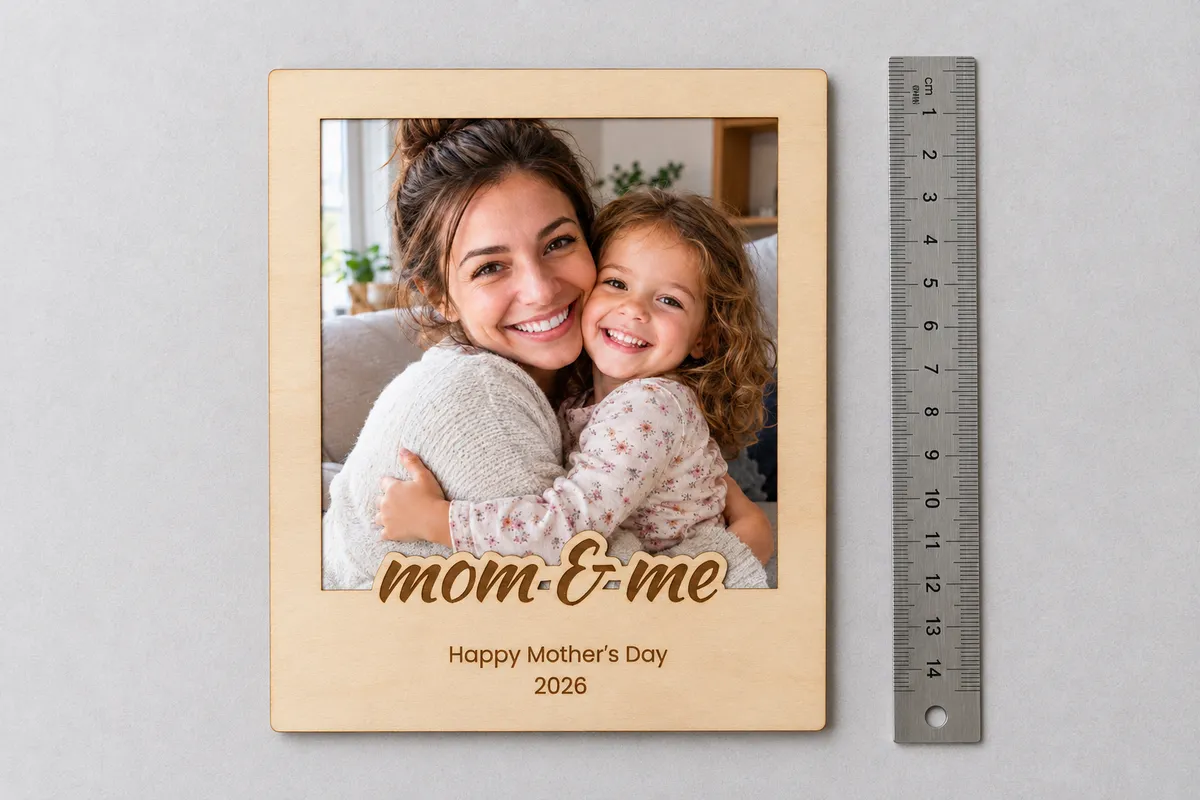
A frame that looks like an instant photo: a script phrase sits on the window's edge, two small engraved lines below it, and the photo slides into a pocket behind. For Mother's Day, Father's Day, a fridge or a car visor.

Type a phrase to see your frame.
Free preview · Unlimited downloads with any plan
Words
The phrase's outline is part of the front and its letters are engraved; the two lines are engraved below it.
Photo window
Only shown in the preview. It stays in your browser and is never uploaded.
The part of the photo that shows. The photo itself is 3 mm larger on each side and sits in the pocket behind.
Phrase font
Lines font
Frame
The band below the window holds the phrase and the lines, like the wide edge of an instant photo.
Finger notch
A half circle at the top of the back, to push the photo up and out. 0 leaves it out.
Materials
How the frame goes together
- 1
Glue the U to the back
Glue the U onto the back along the sides and bottom, edges aligned. Its open top leaves the pocket.
- 2
Glue the front on top
Glue the front onto the U, edges aligned with the back.
- 3
Slide in the photo
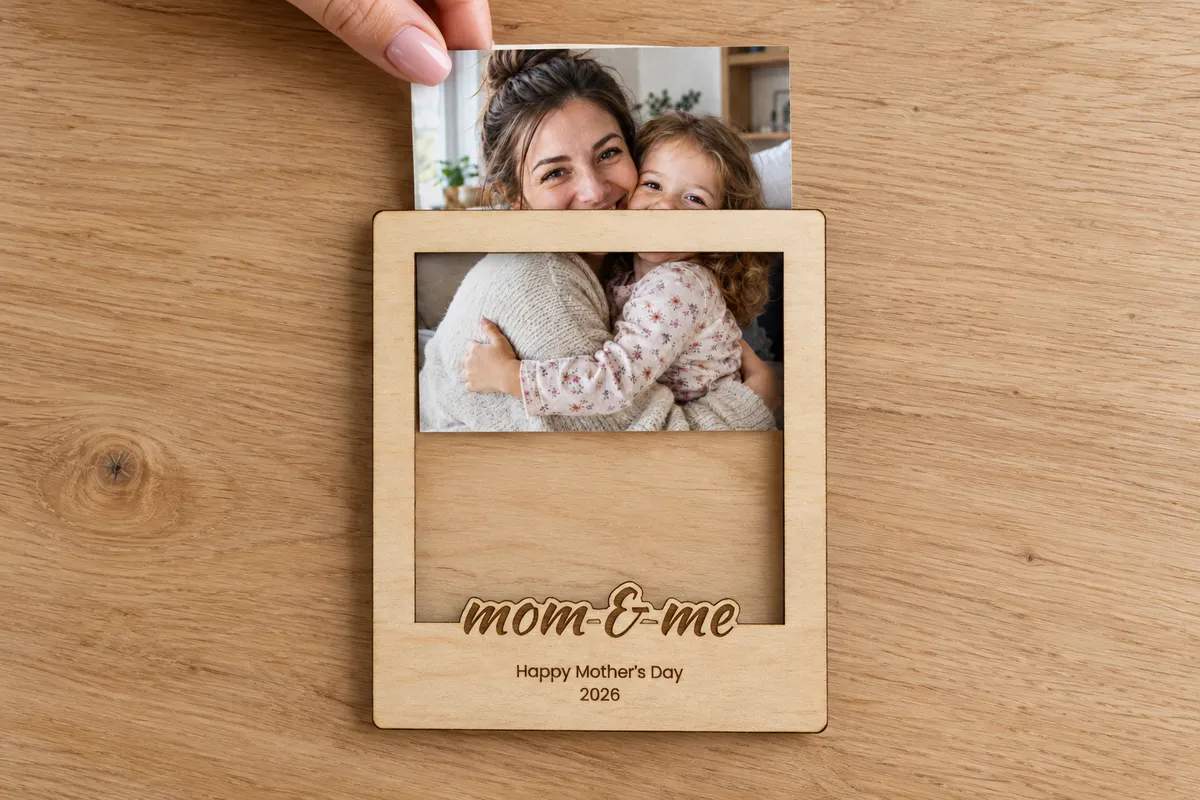
Slide the photo down into the pocket from the top. Use the notch in the back to push it out again.
What is in the file
- Real size
- The SVG is in millimetres. The window is the size you set here, the photo 3 mm larger all round.
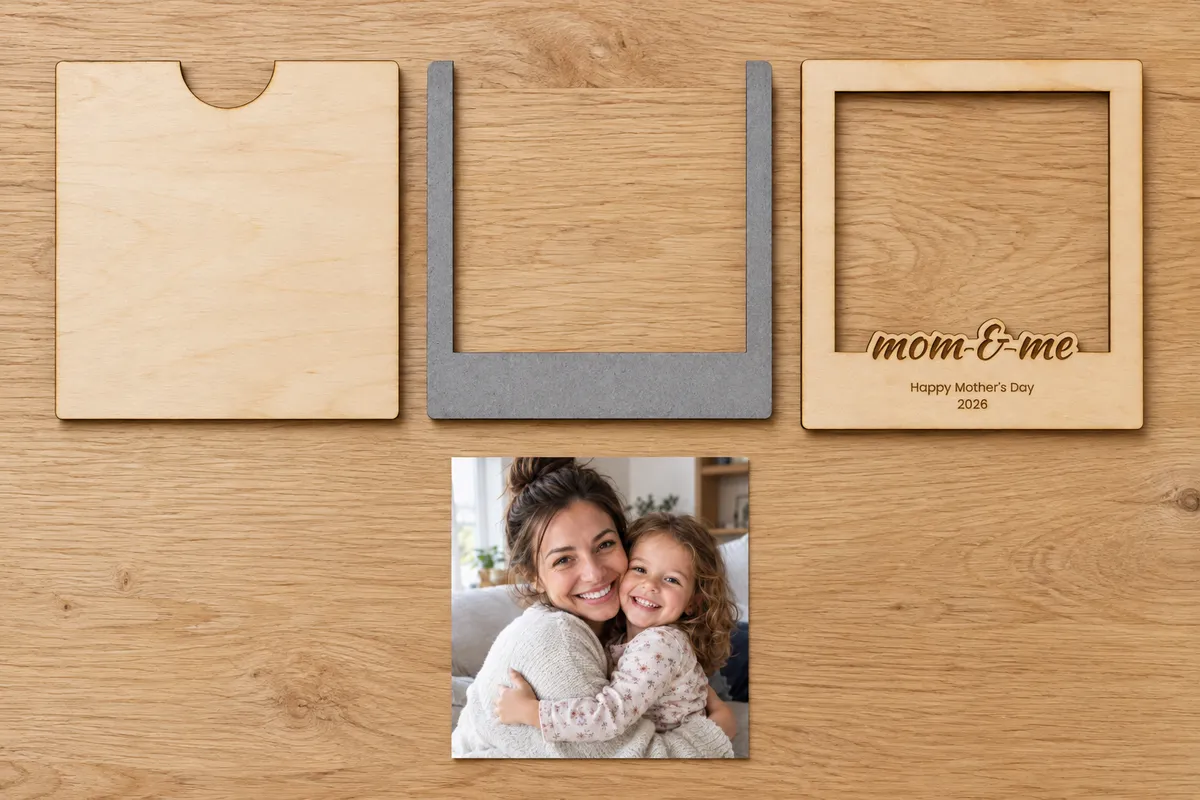
- Three parts side by side
- The back with its finger notch, the U and the front, each cut in red. The phrase and the lines are filled black for engraving.
- A pocket for the photo
- The U leaves a pocket open at the top: the photo slides in and out without touching the glue.
Questions about the polaroid frame generator
Designing and previewing is free and needs no account. Downloading the SVG, 3MF and STL files and opening the design in the editor is included in every VectorWitch plan, with no limit on downloads.
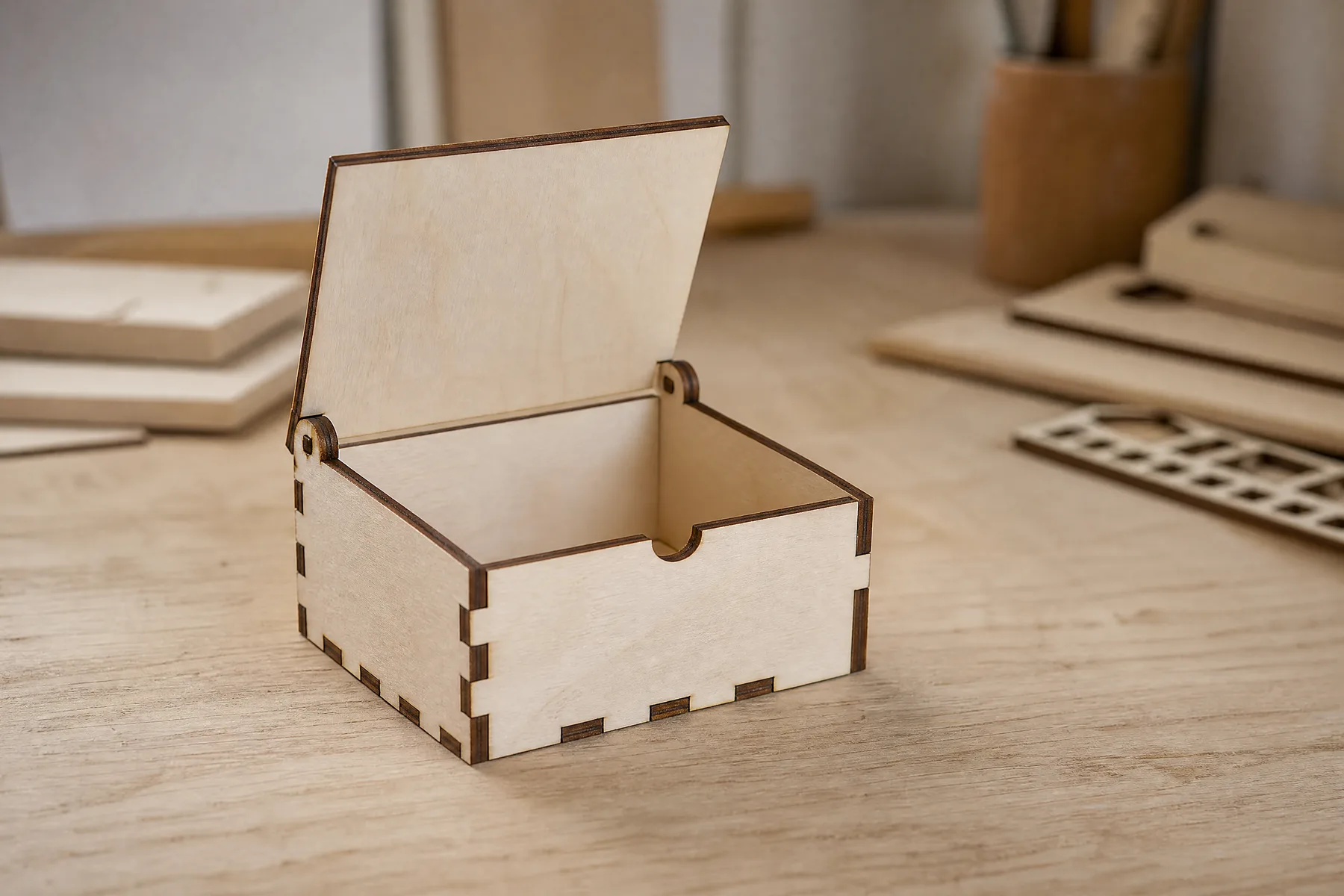
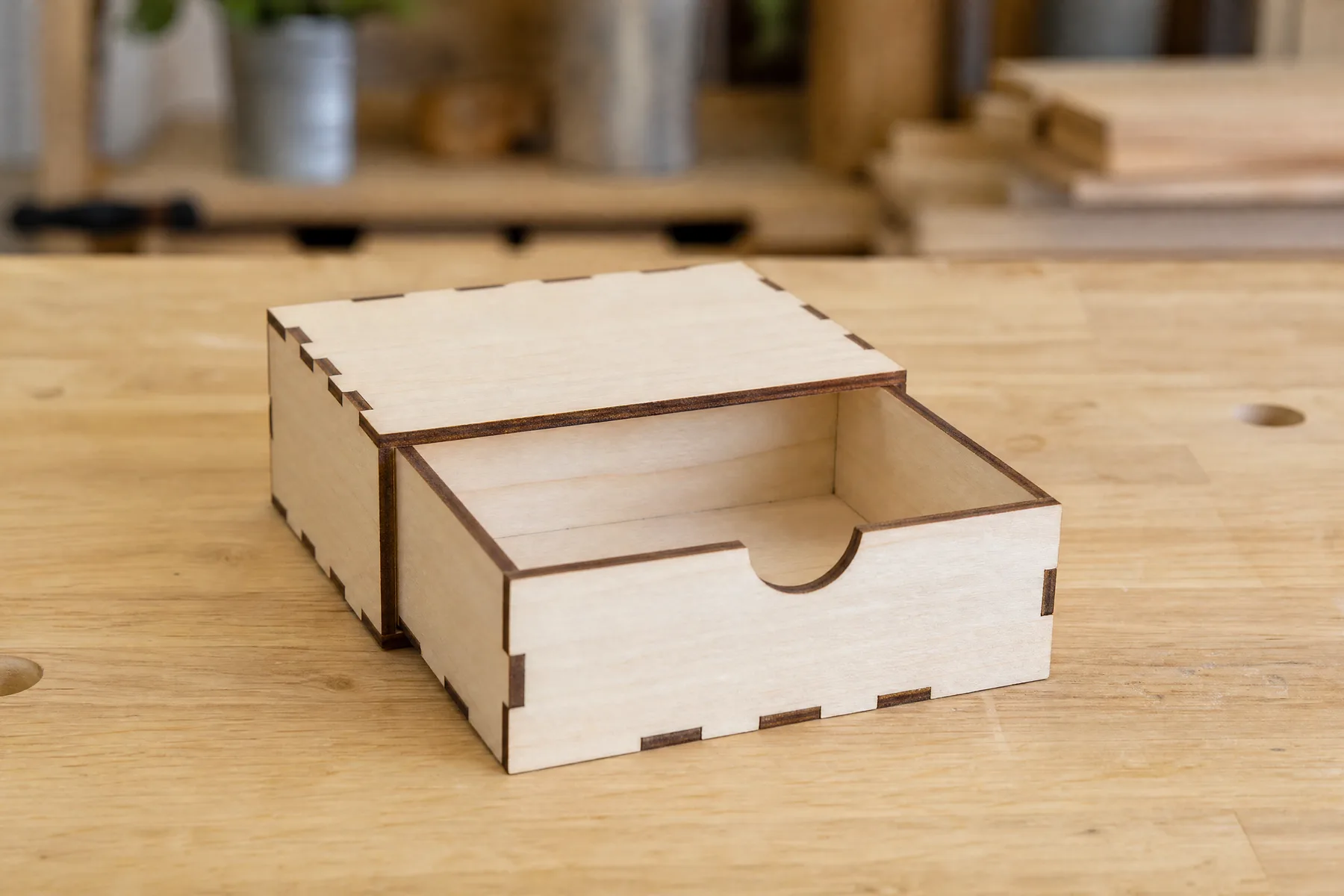
The middle part is a U, open at the top. It leaves a pocket between the front and the back, so the photo slides down into it and the front never presses on it. The notch at the top of the back lets you push it out again.
The window can be square, Polaroid, Instax Square, Instax Mini or a size you type. The photo should be 3 mm larger than the window on each side; it sits in the pocket and its edges stay hidden.
Any laser cutter that opens SVG, such as with LightBurn or xTool Creative Space. The file is drawn in real millimetres: red lines are cut and black shapes are engraved. The 3D print tab downloads all three parts as a 3MF or STL.