




Cricut & Vinyl
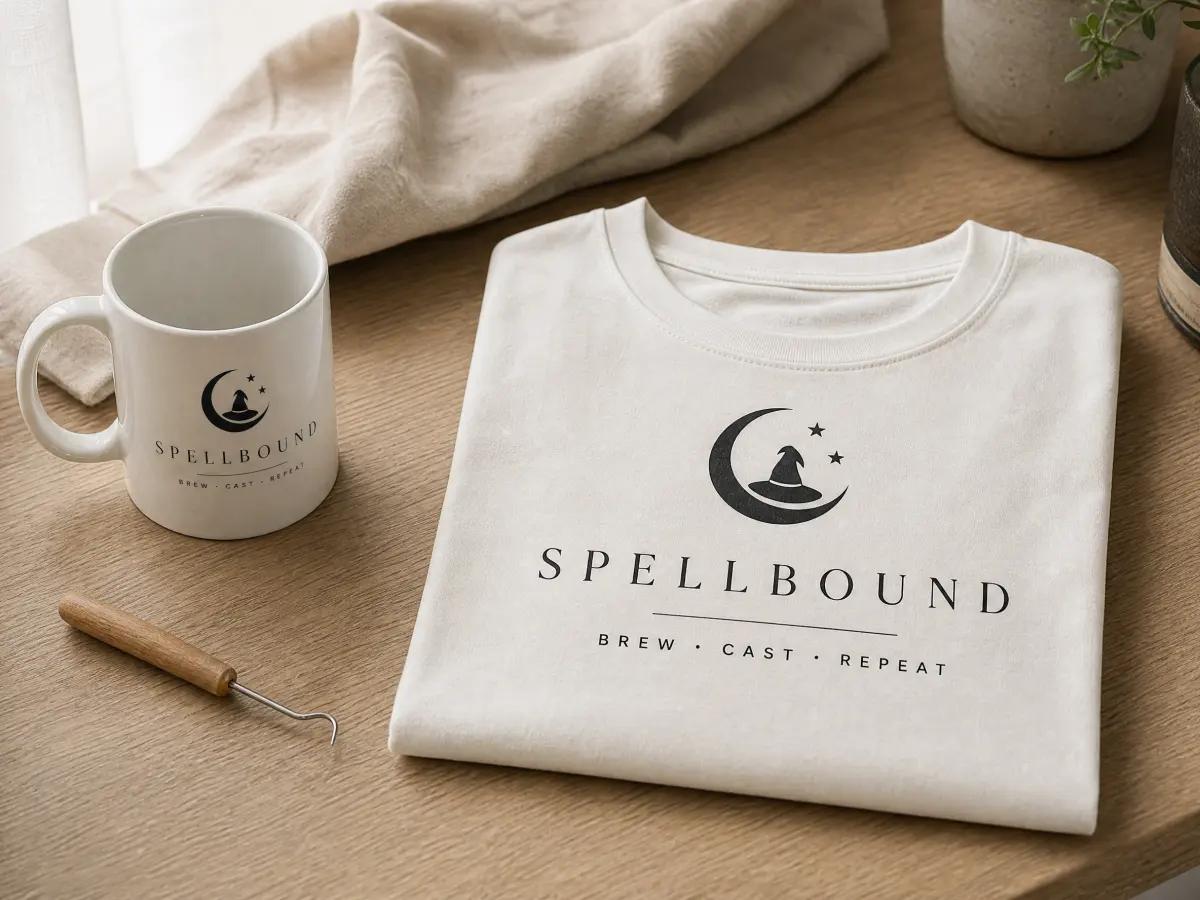
Cut decals, shirts and mugs with clean, smooth edges.
Convert any image to SVG. Turn your pictures into clean files for Cricut, Silhouette and laser machines.
JPEG, PNG, WEBP, HEIC, HEIF, AVIF, GIF, BMP up to 25 MB
At least 500 px on the long side. Smaller images must be upscaled with AI first.
Smooth curves and sharp edges with fewer points, so your SVG is easy to cut, engrave and edit in any design program.
Your image and SVG are deleted automatically after 2 days.
No image uploaded
Upload an image to see the preview
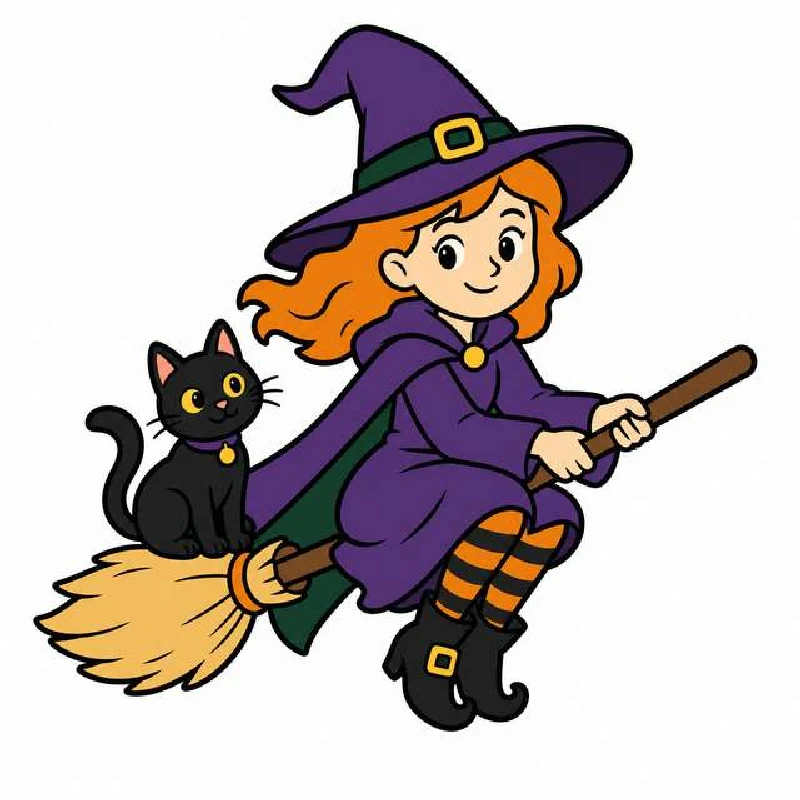
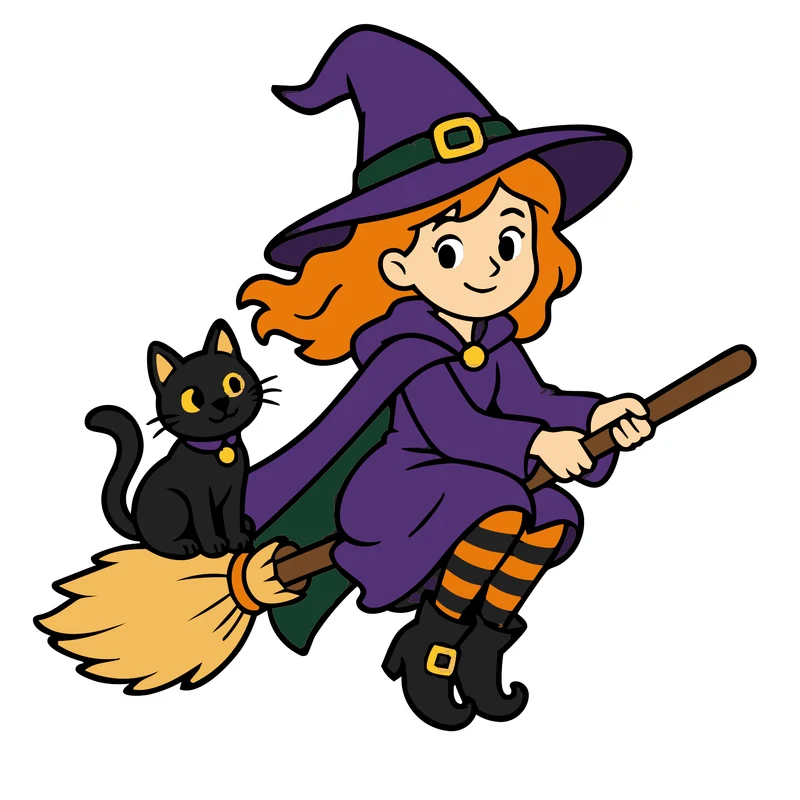
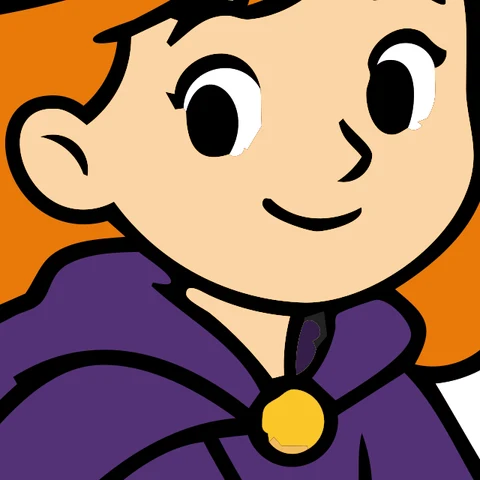
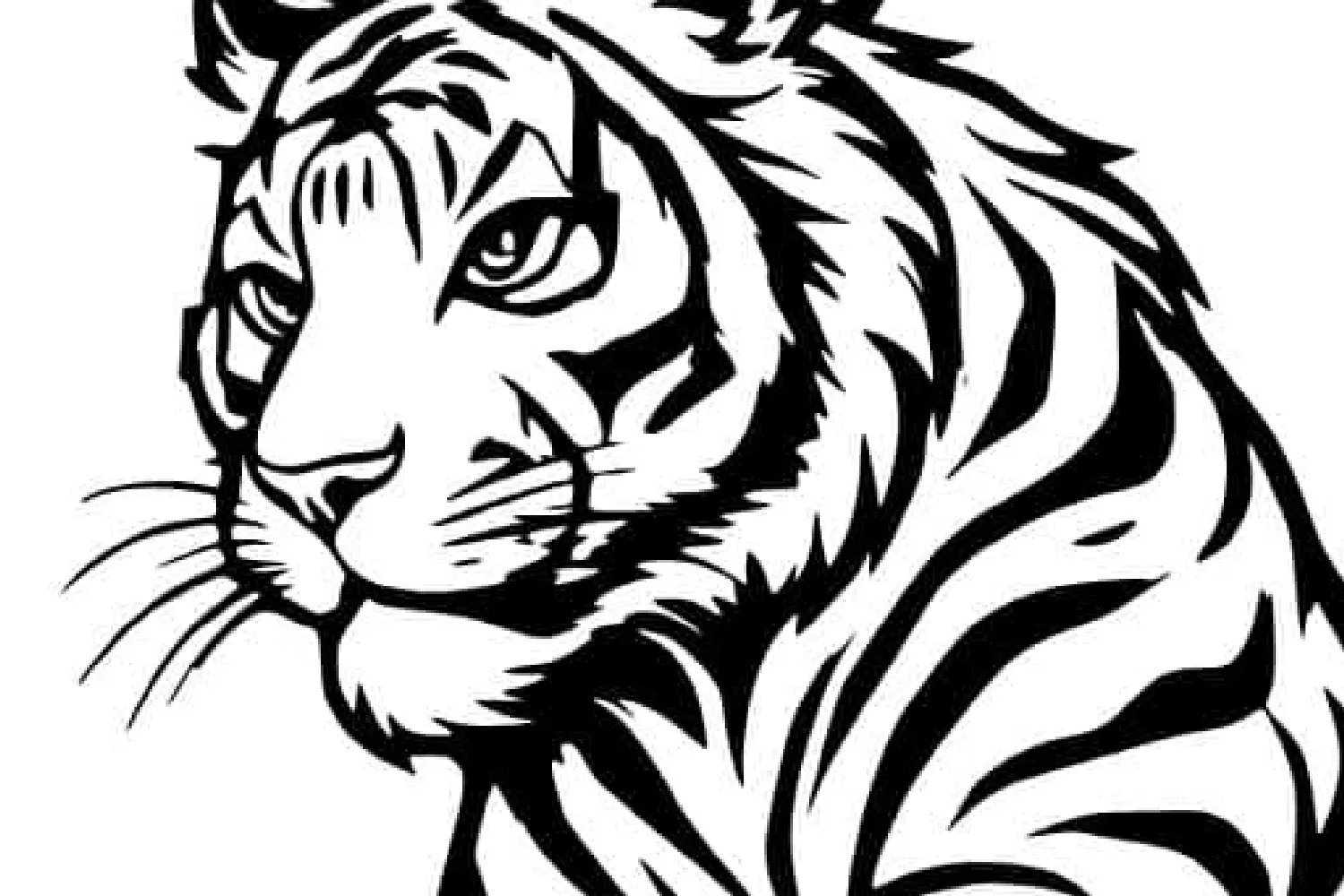
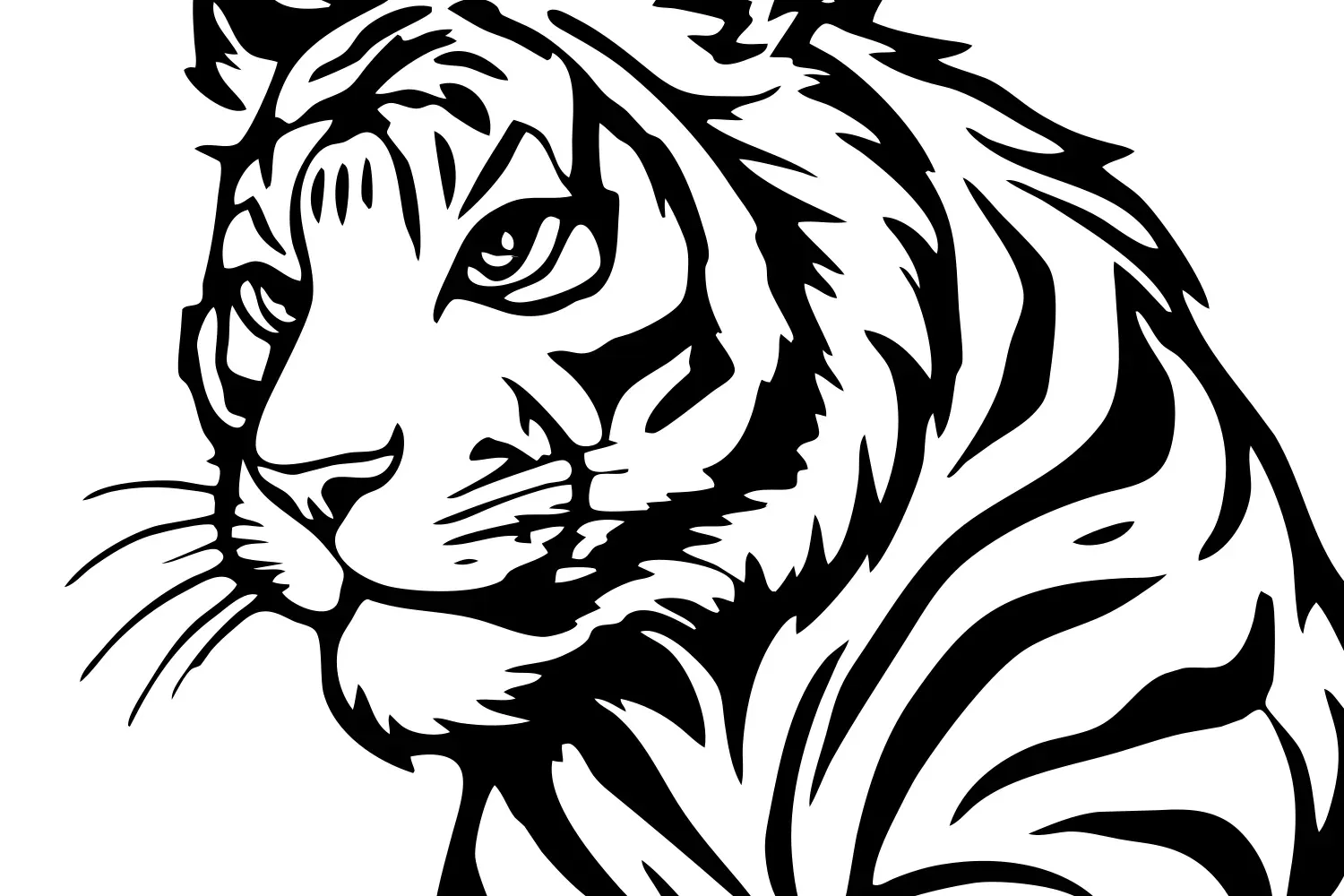
Zoomed-in pictures before and after our converter. Blurry pixels become smooth, clean lines.
BeforeAfterDrag the slider to compare
No design skills needed. It takes less than a minute.
Choose a JPG, PNG or iPhone photo from your computer or phone.
Black & white, color illustration or color photo is detected automatically.
Save the file or open it in our editor to make changes.
You don't pick a mode. We look at your picture and choose the right one.
Line art, logos, text and drawings become one clean layer of shapes, ready for vinyl, stencils and laser engraving.
Logos, stickers and cartoons keep their flat colors as separate shapes with smooth edges, great for print-then-cut.
Photos keep more detail and soft tones. The files are bigger, so photos suit printing more than cutting.
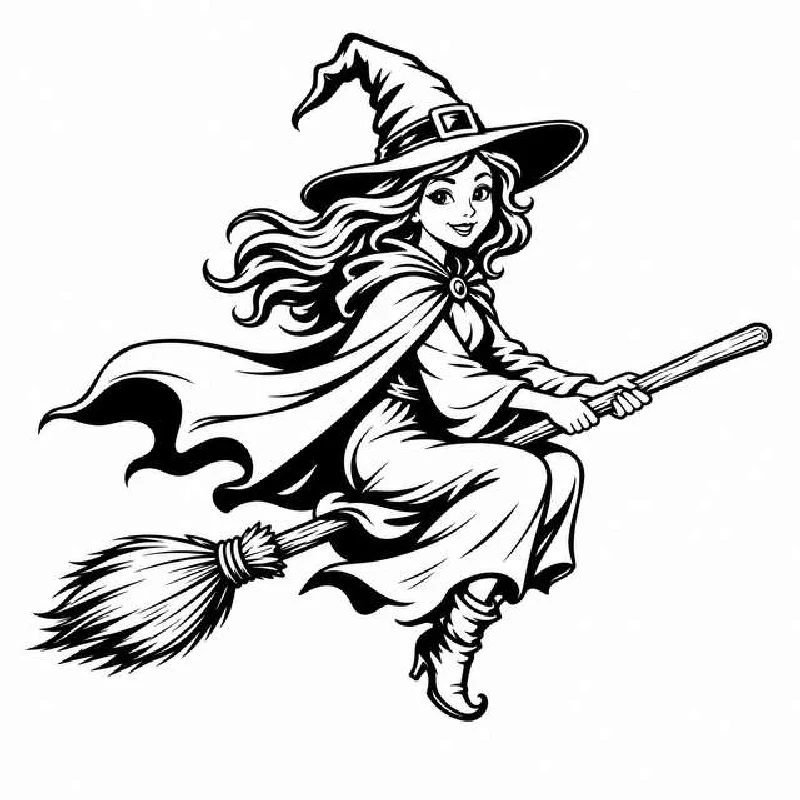
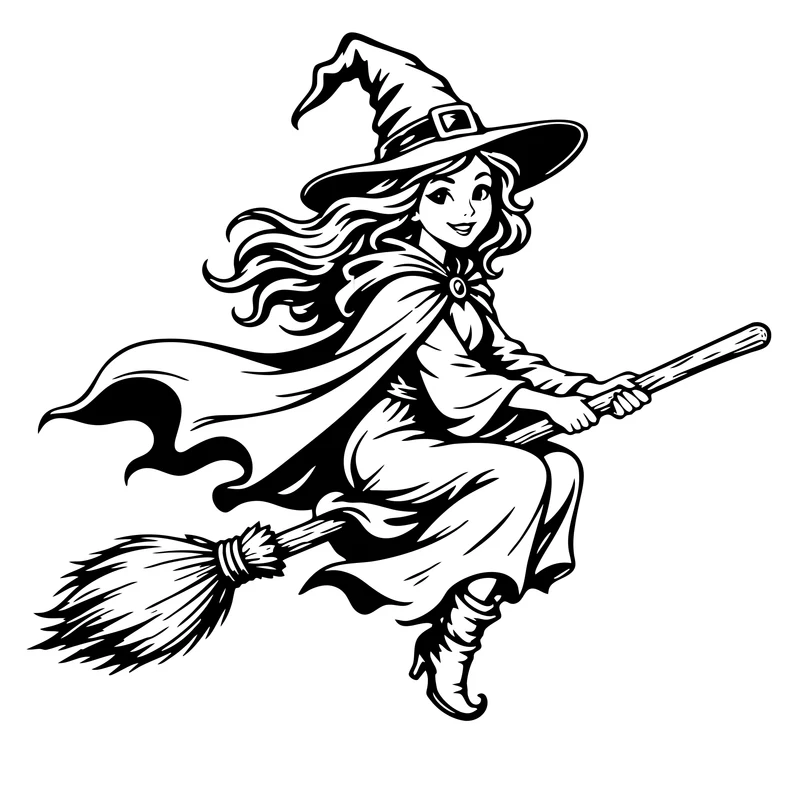

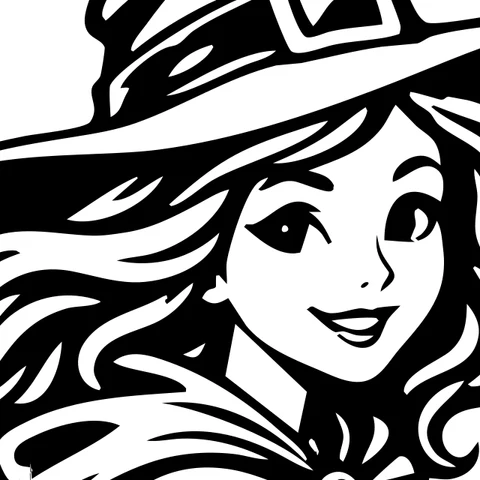
One clean SVG file for everything you love to make.
Cut decals, shirts and mugs with clean, smooth edges.
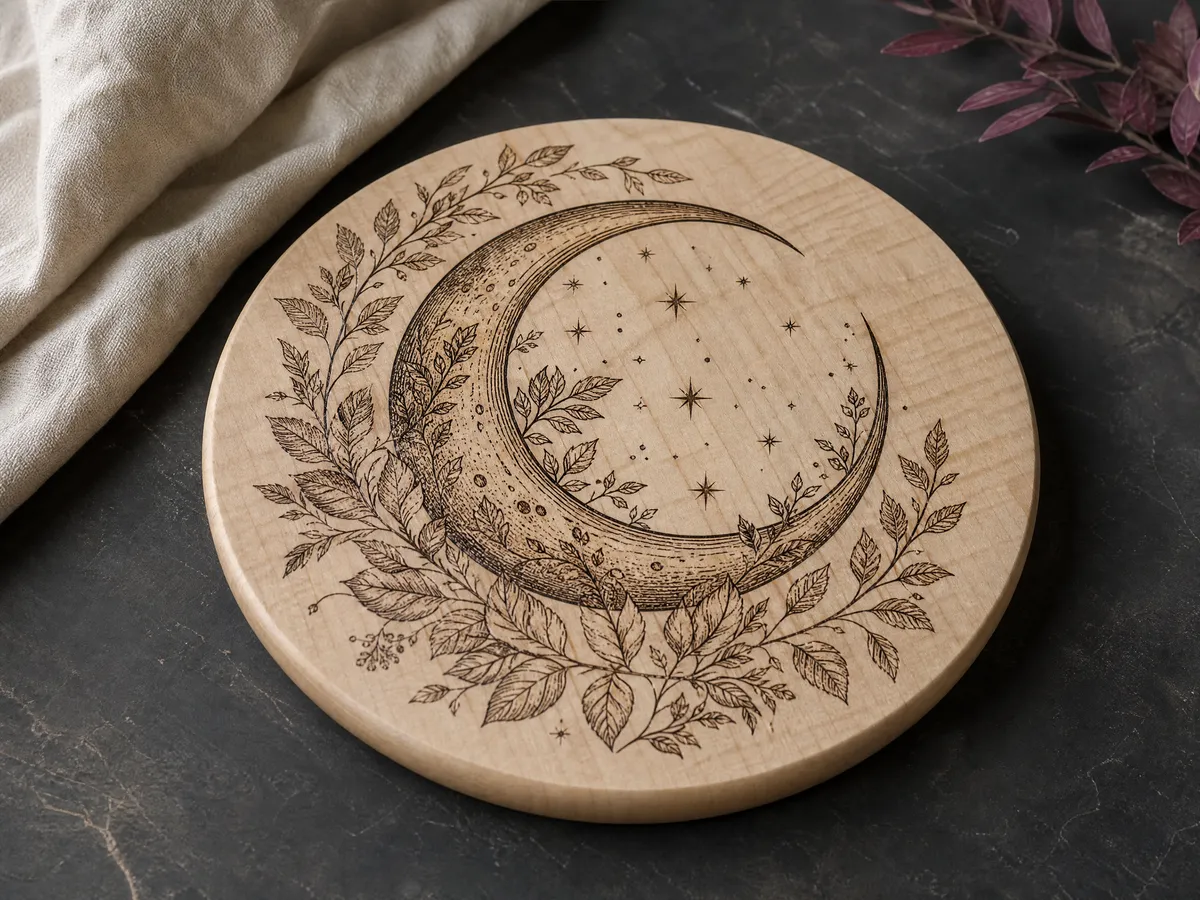
Engrave wood, glass and leather with sharp, crisp lines.
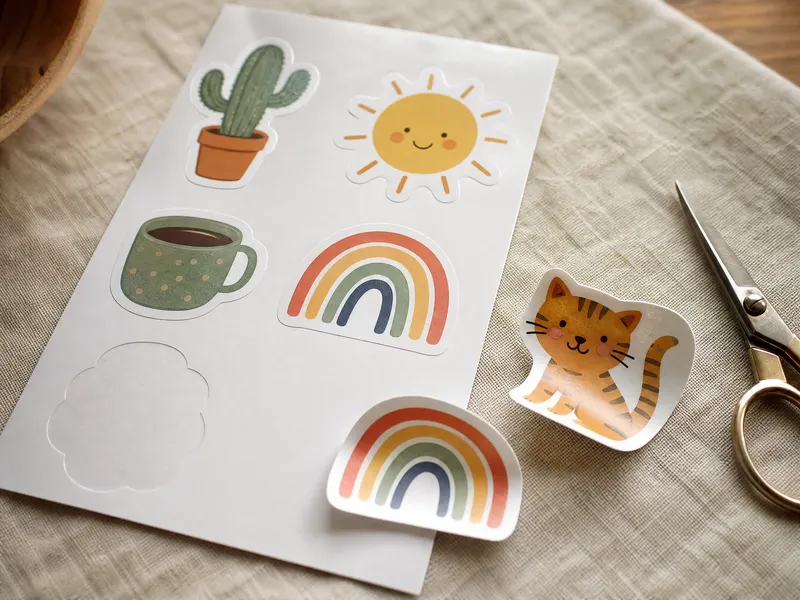
Print colorful stickers and print-then-cut designs.

Turn a logo or a drawing into a sign you can cut or engrave.
Sharp pictures with clear edges make the cleanest SVG.



The long side must be at least 500 px, so smaller images need AI upscaling first. For blurry pictures it is recommended. Use the “Upscale first” button in the converter above, or open the AI Image Upscaler. It uses 1 credit.
Open the AI Image UpscalerEverything you need for a clean SVG, with no settings to learn.
Clean lines with fewer points, easy to cut and edit
Upload HEIC photos straight from your phone
Add text or make changes in our SVG Editor
Your image and SVG are deleted after 2 days
SVG is the standard file for cutting and engraving. Your file opens in:
Simple answers to the questions crafters ask most.