Blog
Insights, tutorials, and updates about AI-powered SVG generation
Featured Posts
4 posts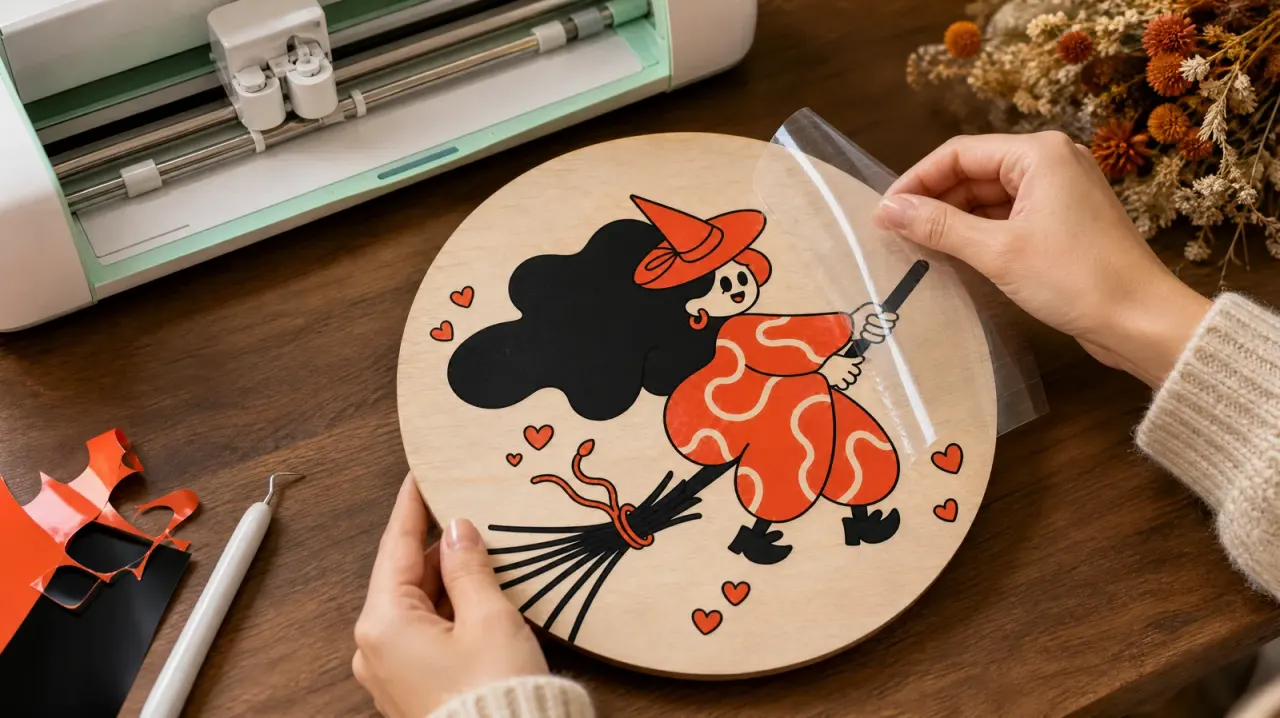
How to Convert an Image to SVG: The Complete Vectorizer Guide
Turn PNG, JPG and iPhone photos into clean, cut-ready SVG files. Learn how automatic detection works, how to get the cleanest result, and how to use your SVG in Cricut, Silhouette and LightBurn.
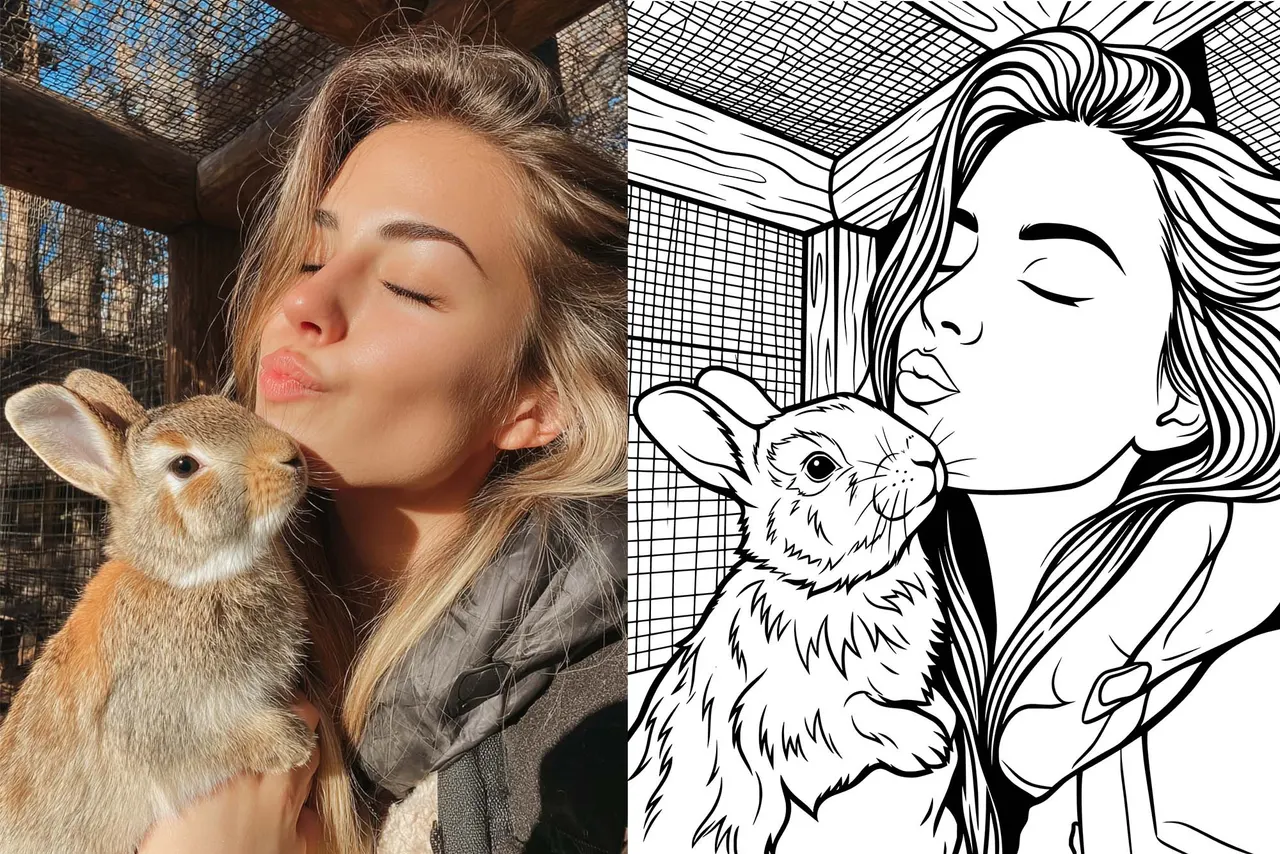
How to Convert a Photo to a Laser Engraving Vector with VectorWitch
Learn how to convert any photo into a clean, machine-ready engraving vector using VectorWitch. This guide covers the three-step workflow: uploading your photo, enabling Pro Mode, and selecting an Engraving style to get production-ready SVG output for wood, metal, and laser cutting projects.
What is VectorWitch? AI-Powered Design Tool for Laser Engraving, POD Sellers, and Beyond
VectorWitch uses AI to generate designs in PNG, PDF, and SVG formats. Perfect for laser engraving on wood, metal, and acrylic. Also works for Print on Demand sellers and Cricut cutting projects. Generate unlimited designs with full commercial rights.
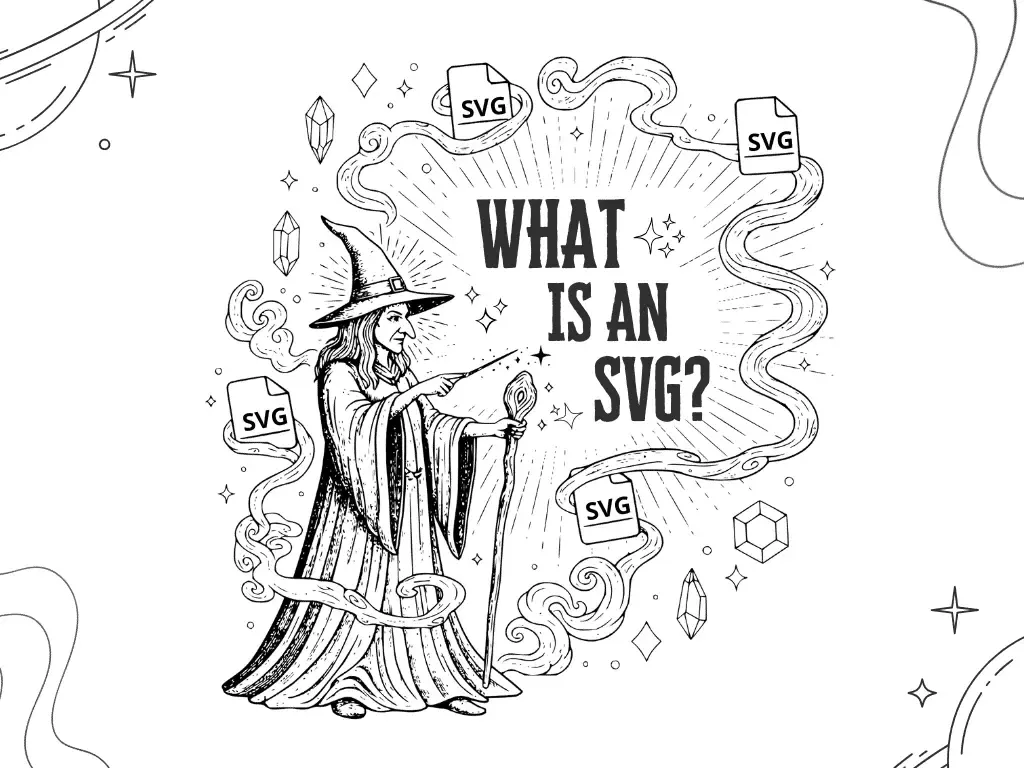
What is SVG? The Complete Guide to Scalable Vector Graphics
Discover everything about SVG (Scalable Vector Graphics); the web standard that powers modern logos, icons, and graphics. Learn when to use SVG vs PNG/JPEG, how AI tools are revolutionizing vector creation, and why SVG is essential for your website in 2025.
All Posts
13 posts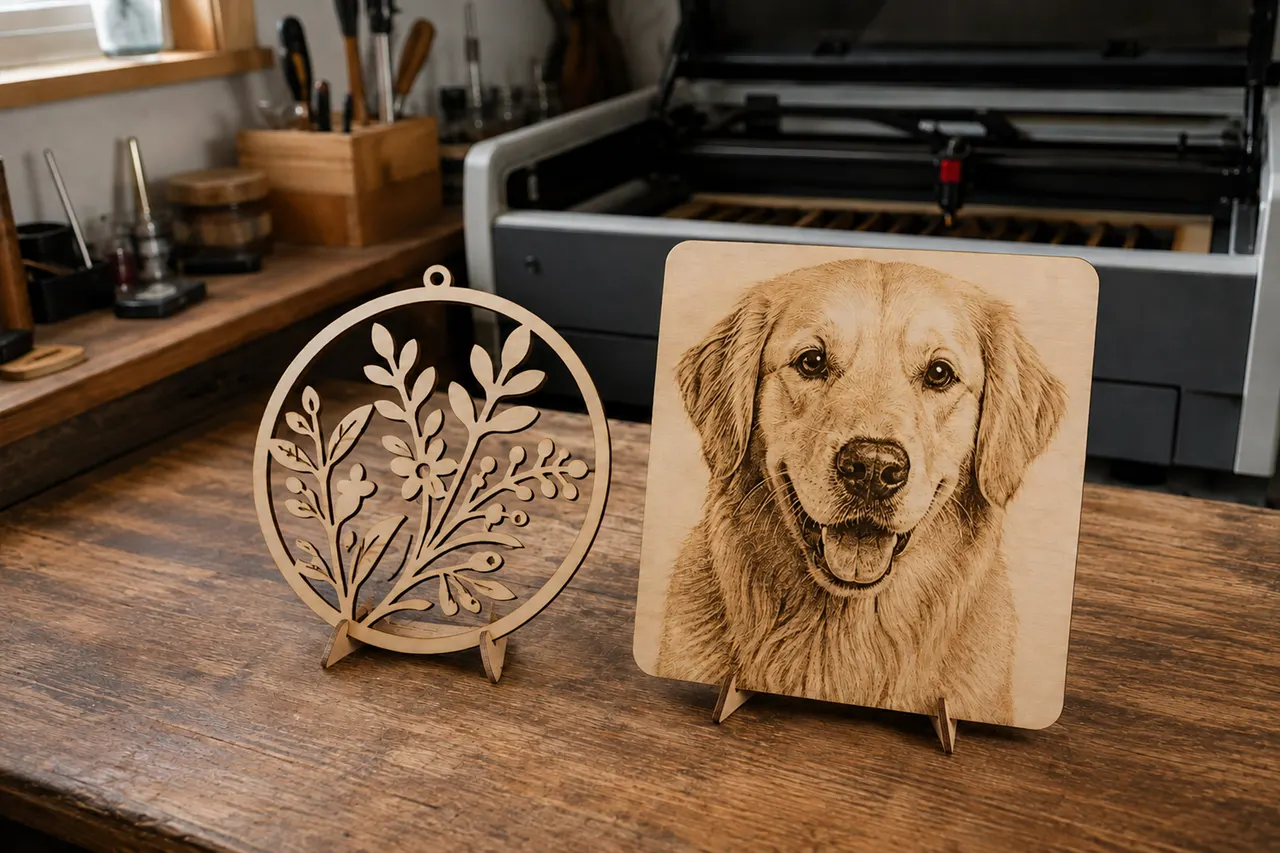
SVG vs PNG for Laser Engraving: Which Format Should You Use?
SVG or PNG for laser engraving? Learn which file format to use for cutting, scoring, and photo engraving with real project examples and a prep checklist.
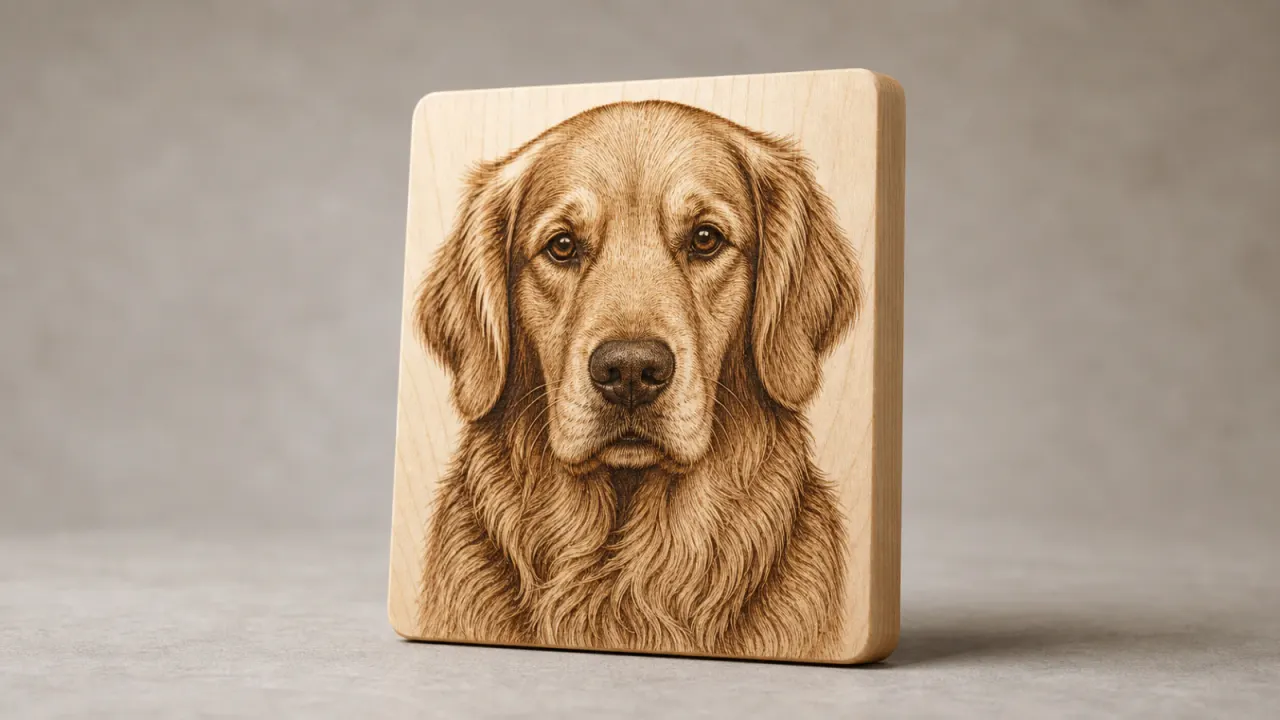
60 Profitable Laser Engraving Ideas to Make and Sell in 2026
Discover 60 laser engraving ideas with real 2026 demand signals, plus materials, personalization angles, and practical tips for selling each product.
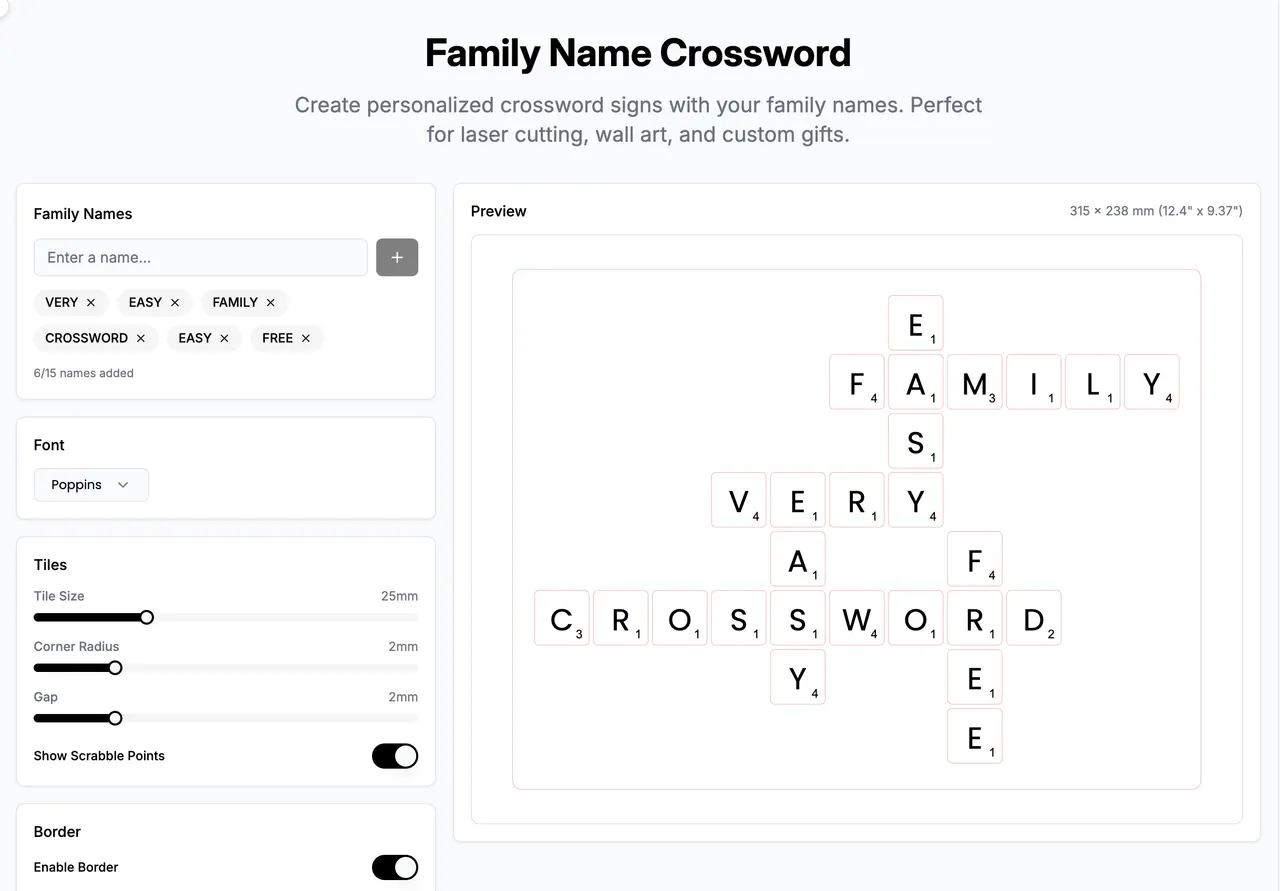
Family Crossword Tool for Laser Cut and Engraving Designs | VectorWitch
Use VectorWitch to create personalized family crossword layouts for laser engraving, laser cutting, wood signs, acrylic décor, and custom family gifts.
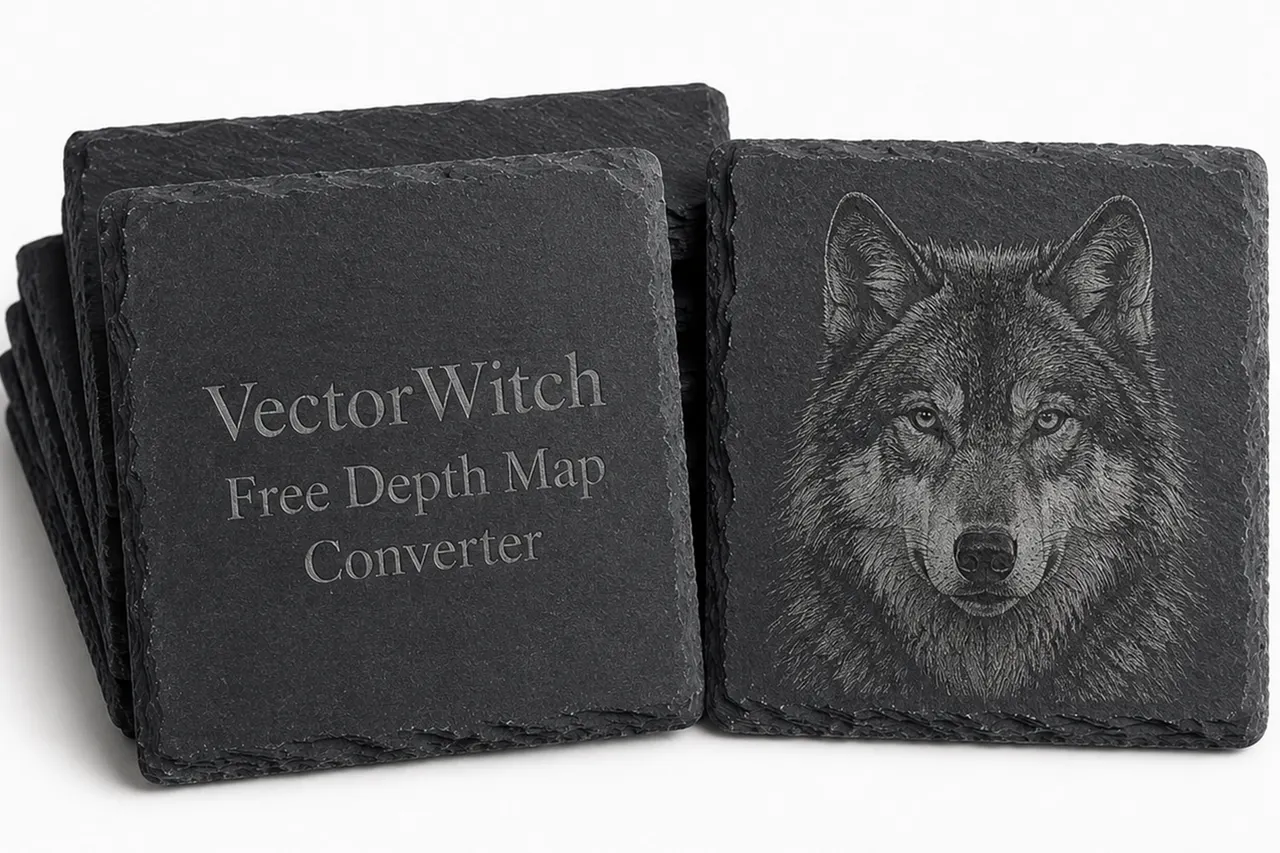
Free Unlimited Depth Map Converter Online
Convert any image into a depth map online with VectorWitch’s free and unlimited Depth Map Converter. Perfect for AI art, parallax effects, 3D-style workflows, laser engraving experiments, and creative image editing.
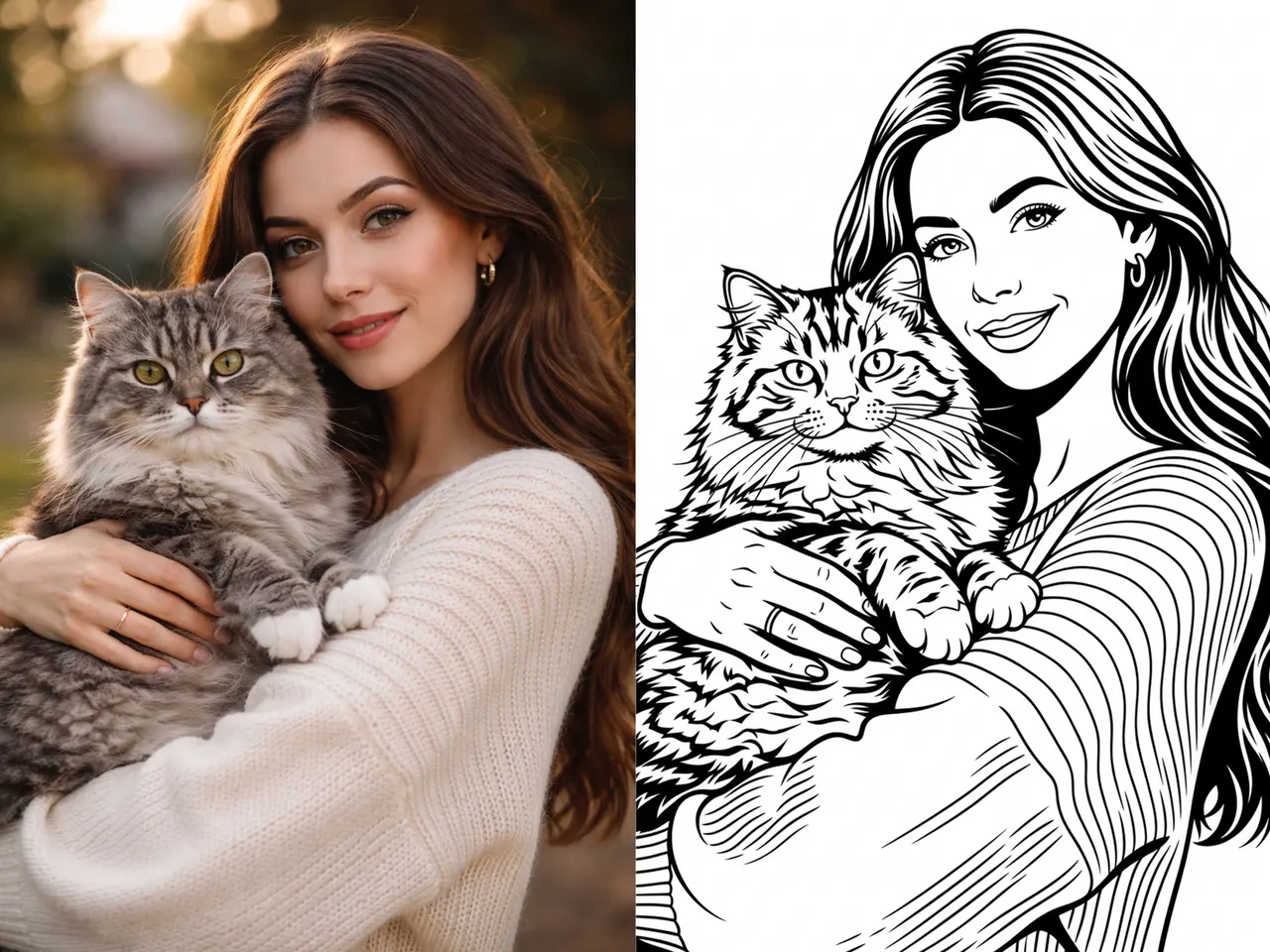
Does AI Generate Vector SVG Files? Yes, with the Right Tool
Can AI generate real SVG vector files? Yes, but only with the right workflow. This article explains the difference between raster and vector output and how VectorWitch helps create SVG results using AI.
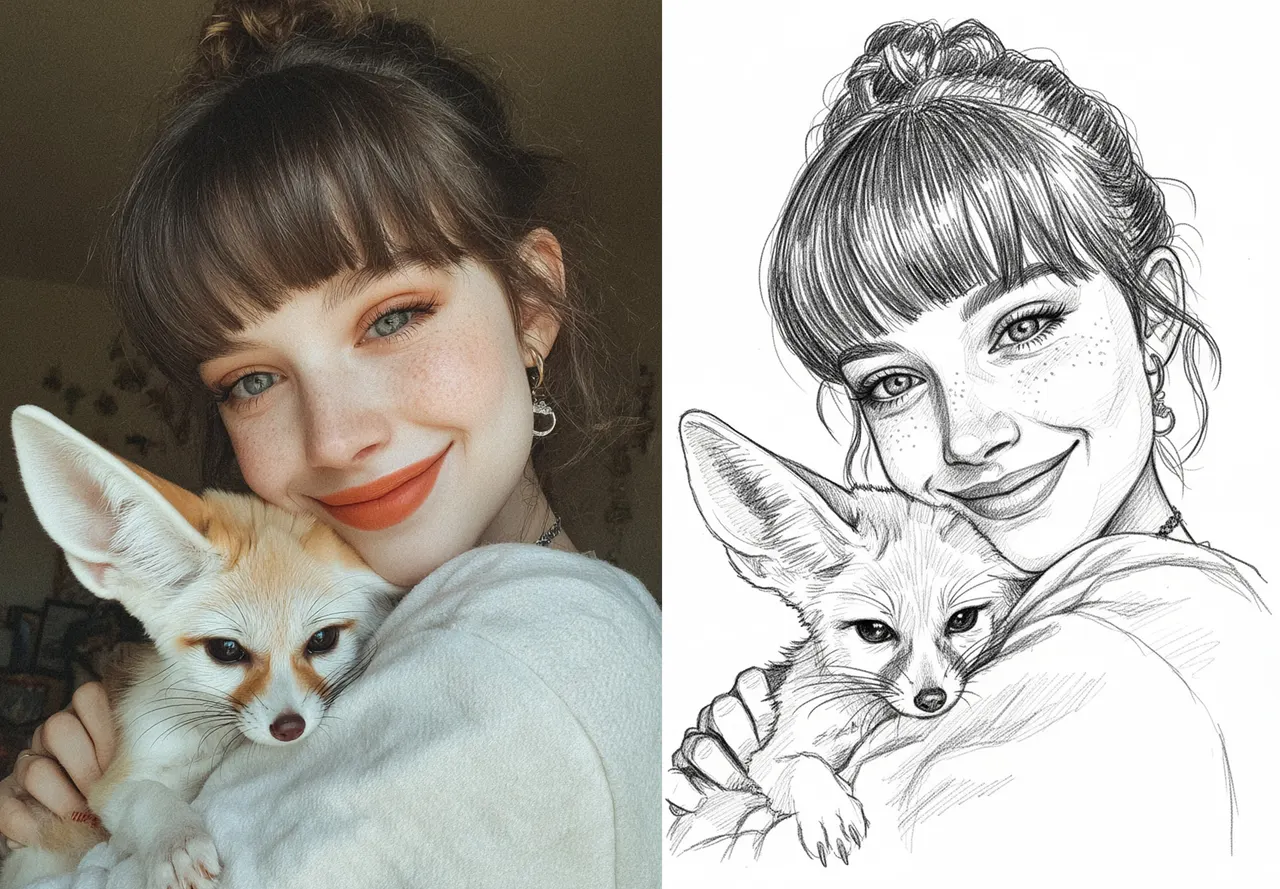
How to Prepare a Perfect Laser Engraved Portrait (Step by Step Guide)
Learn why most laser engraved portraits fail and how to fix them using proper contrast, pencil sketch style, and engraving-ready image preparation techniques.
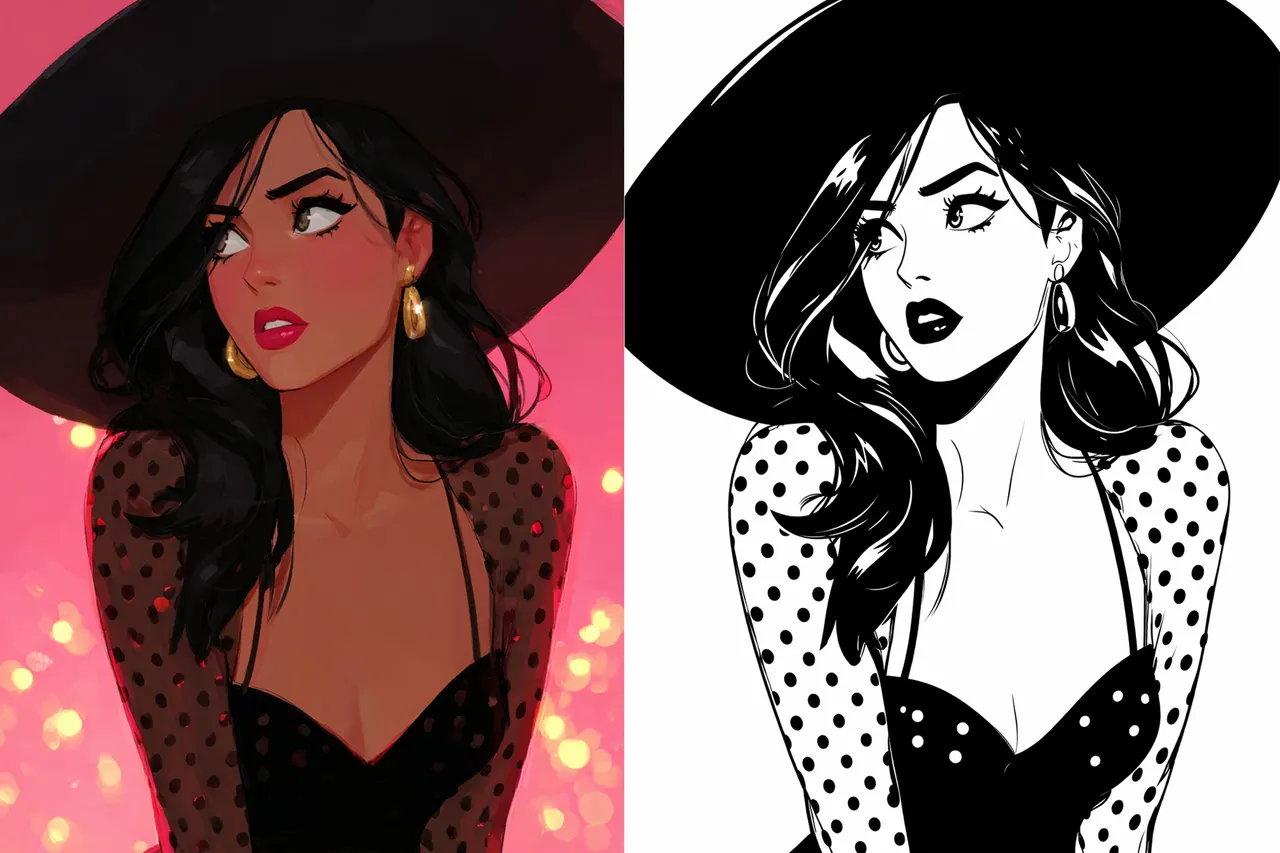
Best Image to SVG Converter for Clean, Production Ready Files
Convert any image to a clean, production ready SVG without manual cleanup. VectorWitch creates smooth paths, reduces node count, and delivers files that work perfectly for laser engraving, Cricut, and print.
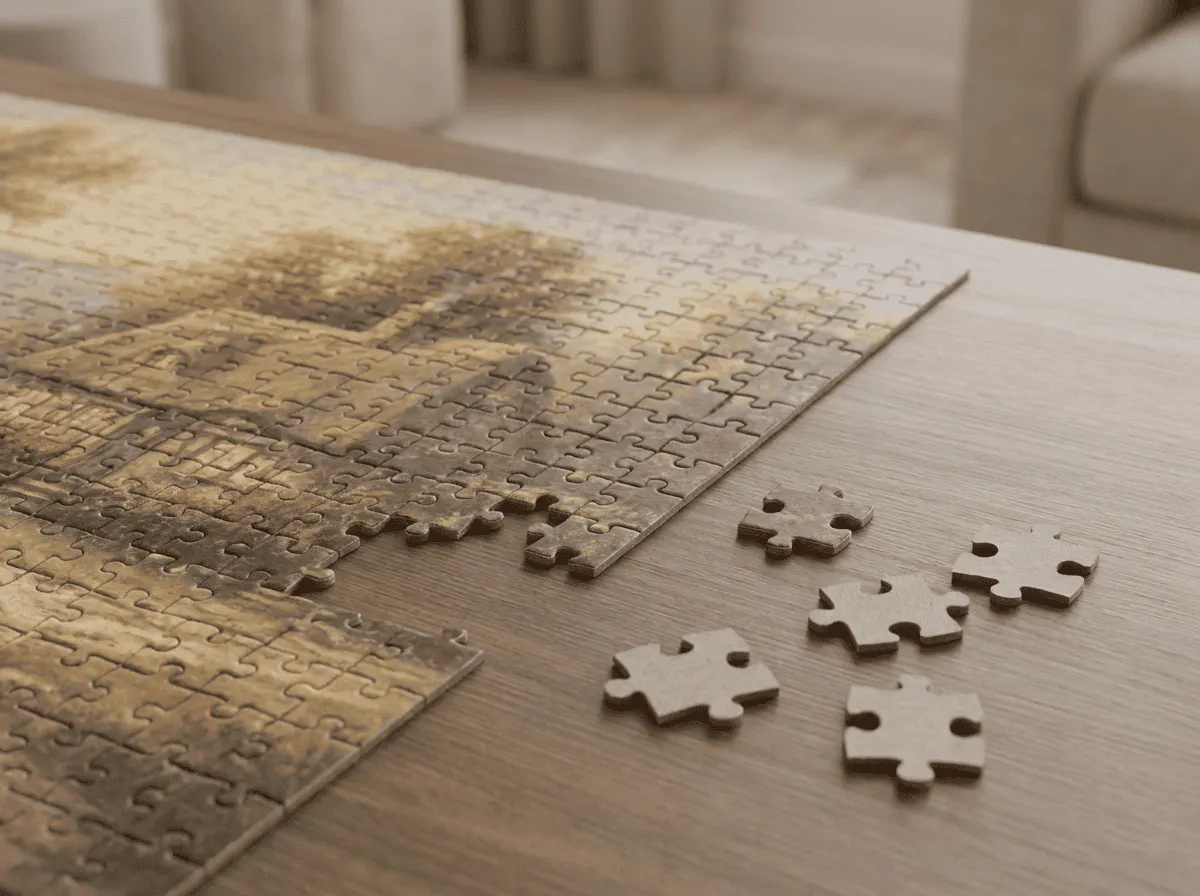
Free Online Puzzle Generator: Create, Play & Laser Cut Custom Jigsaw Puzzles
Transform any image into an interactive jigsaw puzzle you can play right in your browser. Export SVG templates for laser cutting wood, metal, or acrylic. Customize difficulty from 16 to 900 pieces. Completely free, no account needed.
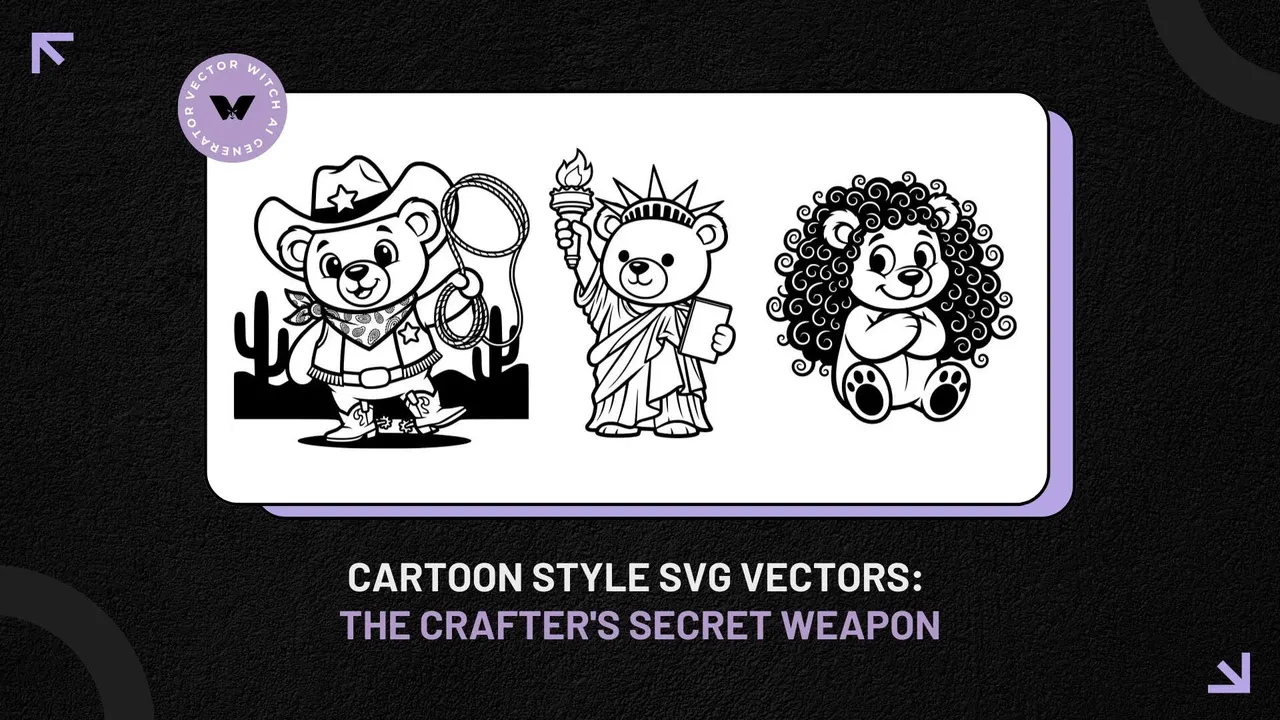
Cartoon Style SVG Vectors for Crafters and Designers
Think cartoon style means animated characters? Not in the design world. These are simple, bold SVG graphics that cut beautifully on Cricut machines and laser engravers. Clean lines, easy to use, and they actually work.
The Complete Guide to AI-Powered SVG Generation in 2026
VectorWitch is using artificial intelligence to transform simple text descriptions and images into professional SVG files within seconds. Unlike traditional design software that requires extensive training and manual path creation, VectorWitch lets you describe your vision in plain language and get ready to use vector graphics instantly.
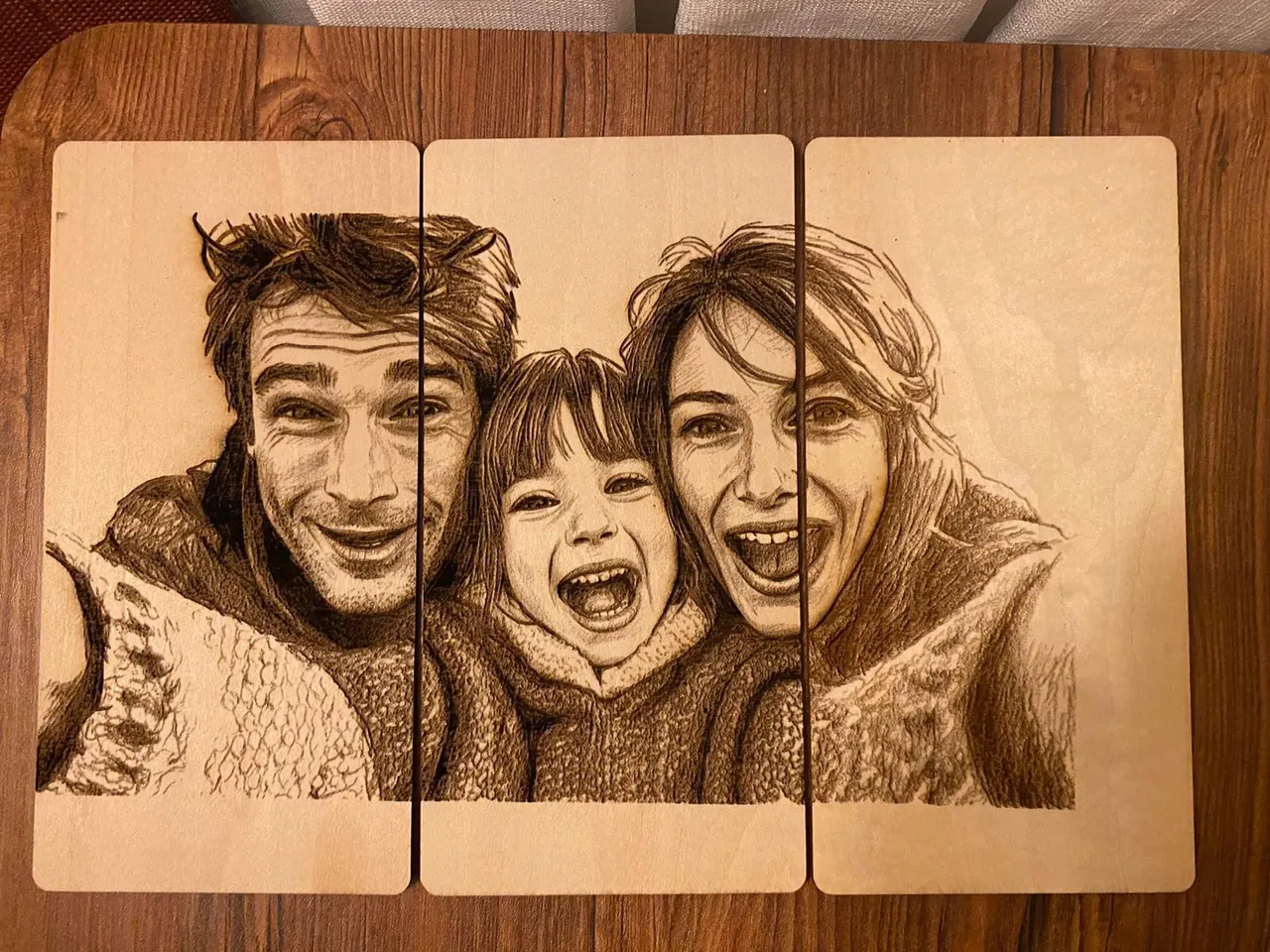
The Ultimate Guide to VectorWitch: Best AI Image Converter for Laser Engraving
VectorWitch is an AI-powered design tool that revolutionizes laser engraving and cutting workflows. Generate production-ready PNG files for engraving, SVG files for cutting machines, and PDF files for printing—all in seconds. With 95% time savings, 99% cost reduction, and full commercial rights, VectorWitch transforms how makers and sellers create designs.
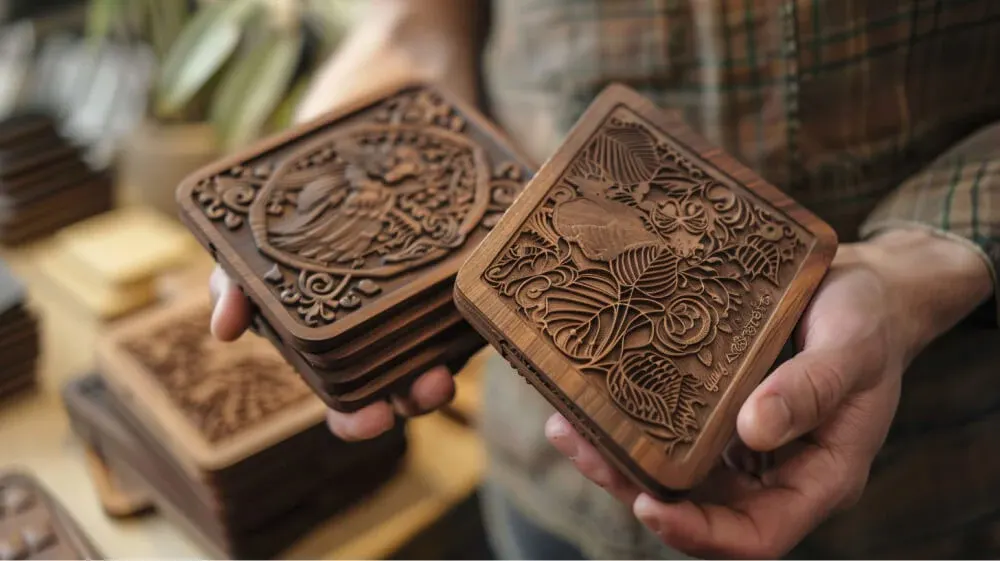
Master Your Laser: From Guesswork to Consistent Results
Stop burning money on failed cuts. Learn the physics behind Power, Speed, and Passes to achieve professional quality laser engraving every time, on any material.
Try these techniques yourself
Depth maps, puzzles, crosswords and more. Free, no credits needed.
Explore free toolsNew tutorials, straight to your inbox
Laser engraving guides and SVG techniques from the VectorWitch team.