Layered Keychain Generator
A two-layer name keychain: lettering on top, a matching outline underneath, keyring hole included.
- Laser cutter
- Cricut & Silhouette
- 3 mm sheet
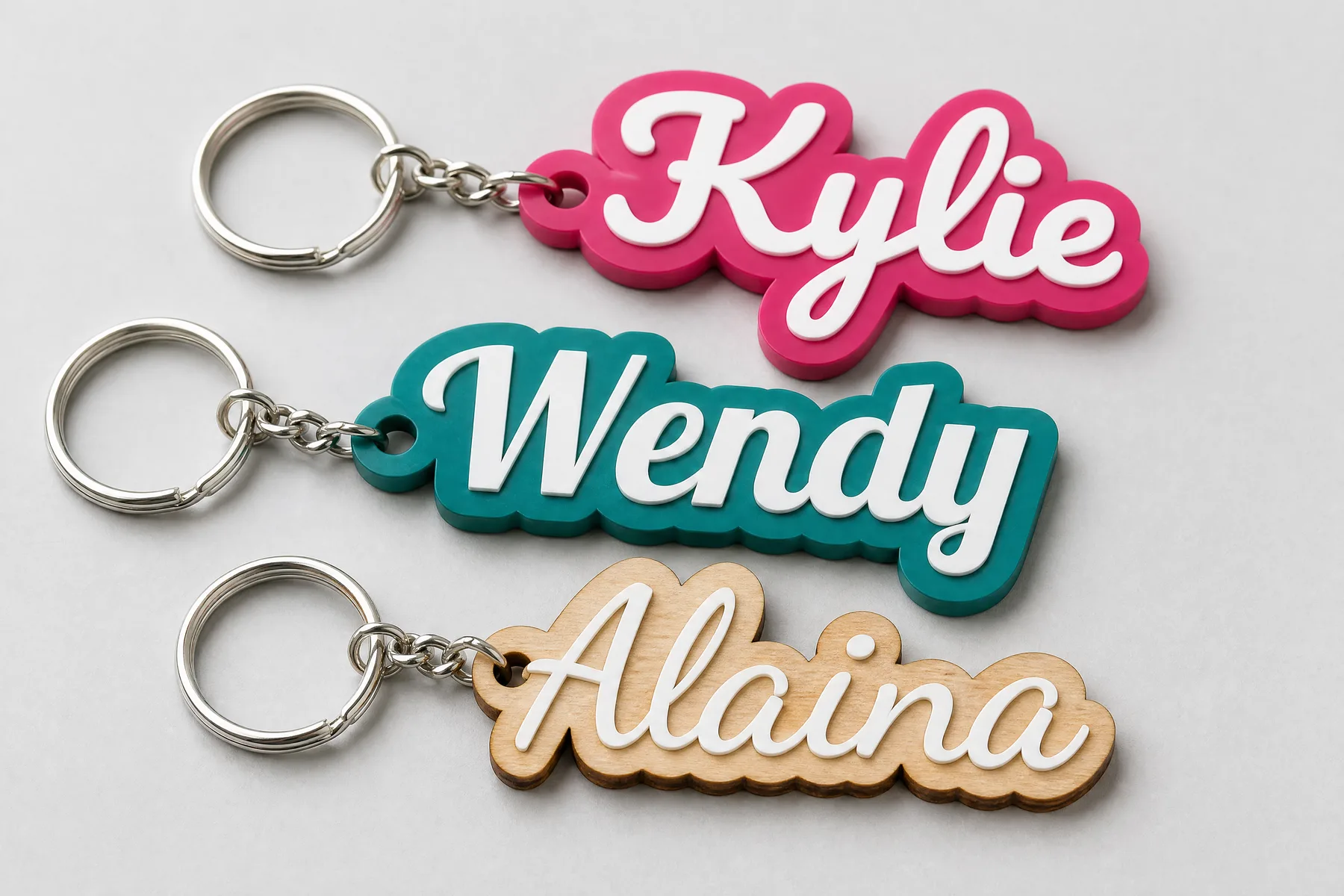
Type a name to see your keychain.
Free preview · Unlimited downloads with any plan
Start from a finish
Pick one to load it into the generator.
Names
One name per line. Each line becomes its own keychain in the same file.
Font
Text size
Sets the overall size of the keychain.
Outline width
How far the bottom layer shows around the letters.
Keyring hole
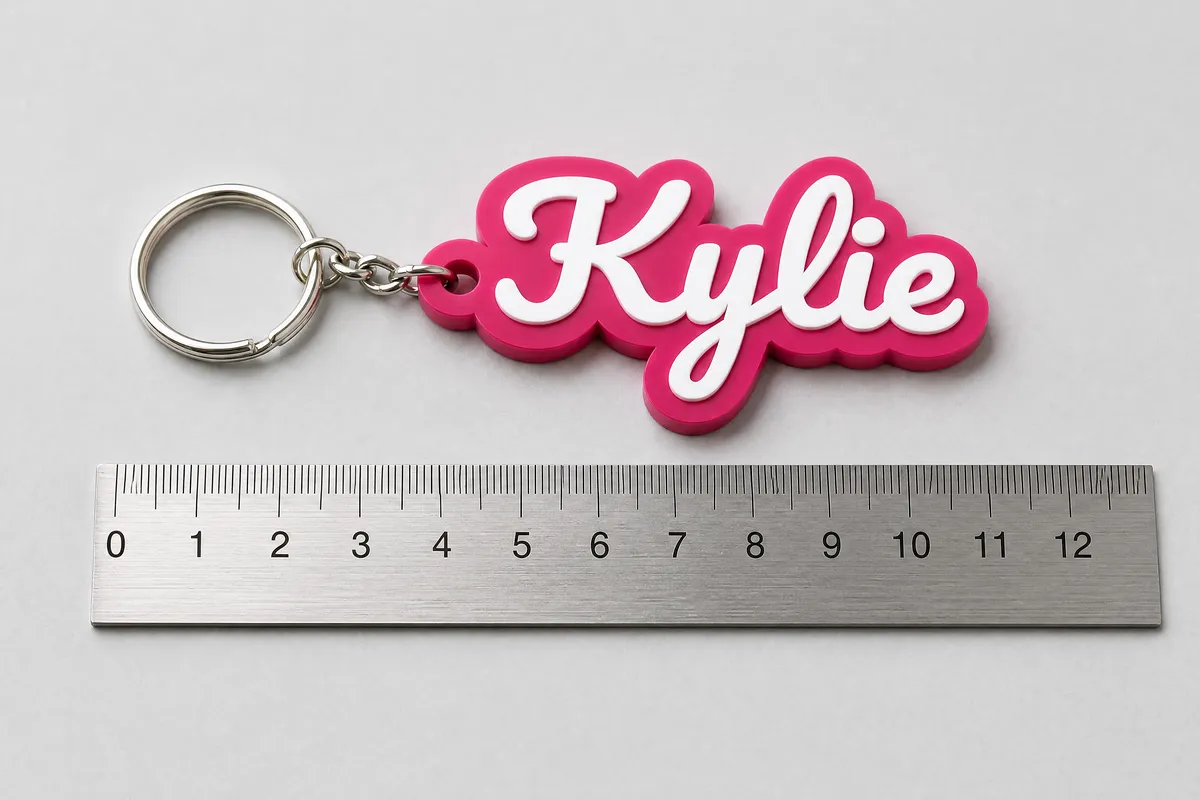
4.8 mm (0.19 in) fits standard keyring clips.
Materials
From name to keychain
In the generator
At your machine
What is in the file
- Real size
- The SVG is in millimetres. Open it in LightBurn, Design Space or Silhouette Studio and it arrives at the size you set here.
- A guide only when it helps
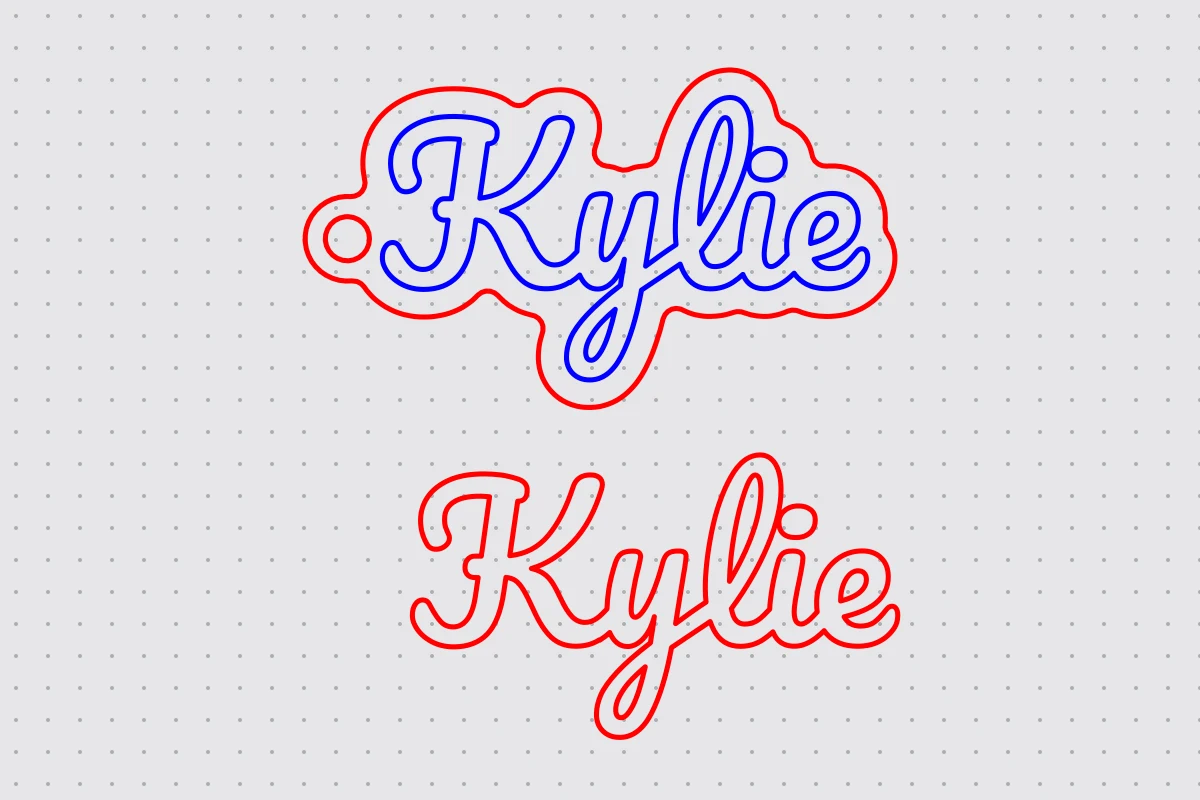
- Red lines cut. When a font's letters are separate pieces, blue lines mark where each one goes on the base; most machines run blue as a lighter pass of its own.
- A whole batch
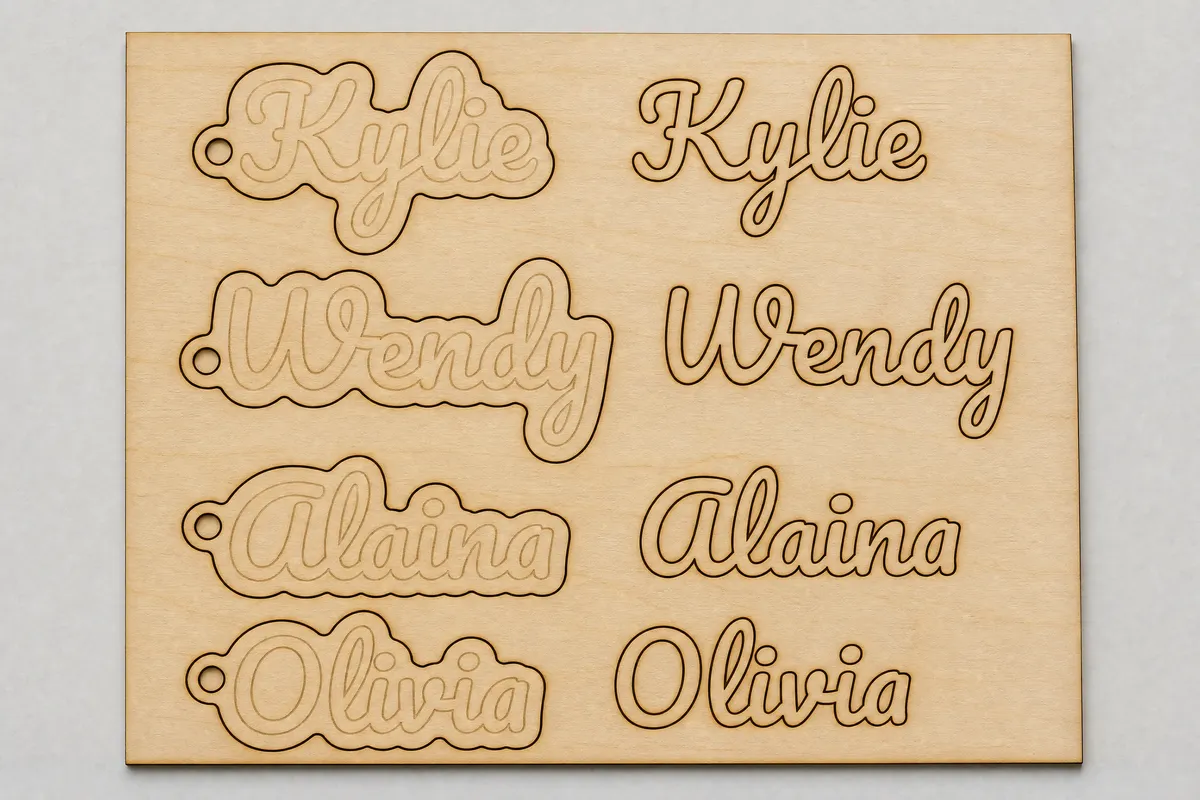
- Every name sits on its own row with its bottom layer and lettering side by side, ready to nest on a sheet.
Questions about the keychain generator
Designing and previewing is free and needs no account. Downloading the SVG, 3MF and STL files and opening the design in the editor is included in every VectorWitch plan, with no limit on downloads.
Any laser cutter that opens SVG, and craft cutters for thin sheet. The file opens in LightBurn for CO2 and diode lasers, in Cricut Design Space, and in Silhouette Studio Designer Edition or higher (the free Basic edition does not open SVG). It is drawn in real millimetres. Red lines are cuts; a blue line appears only where a letter has a loose piece, and marks where that piece goes.
On a laser, 3 mm acrylic or plywood for both layers is the usual choice. A Cricut or Silhouette cuts thinner sheet, such as cardstock or vinyl. Keep the outline at 2 mm or more so the base stays strong around the keyring hole.
Yes. Type one name per line, up to 30. Each name becomes its own keychain in the same file, with its bottom layer and lettering side by side, ready to nest on a sheet.
Yes. The 3D print tab shows the keychain as a model you can turn, lets you set the thickness of each layer and downloads a 3MF with one coloured part per layer, or one STL file for single-colour printers.
More generators
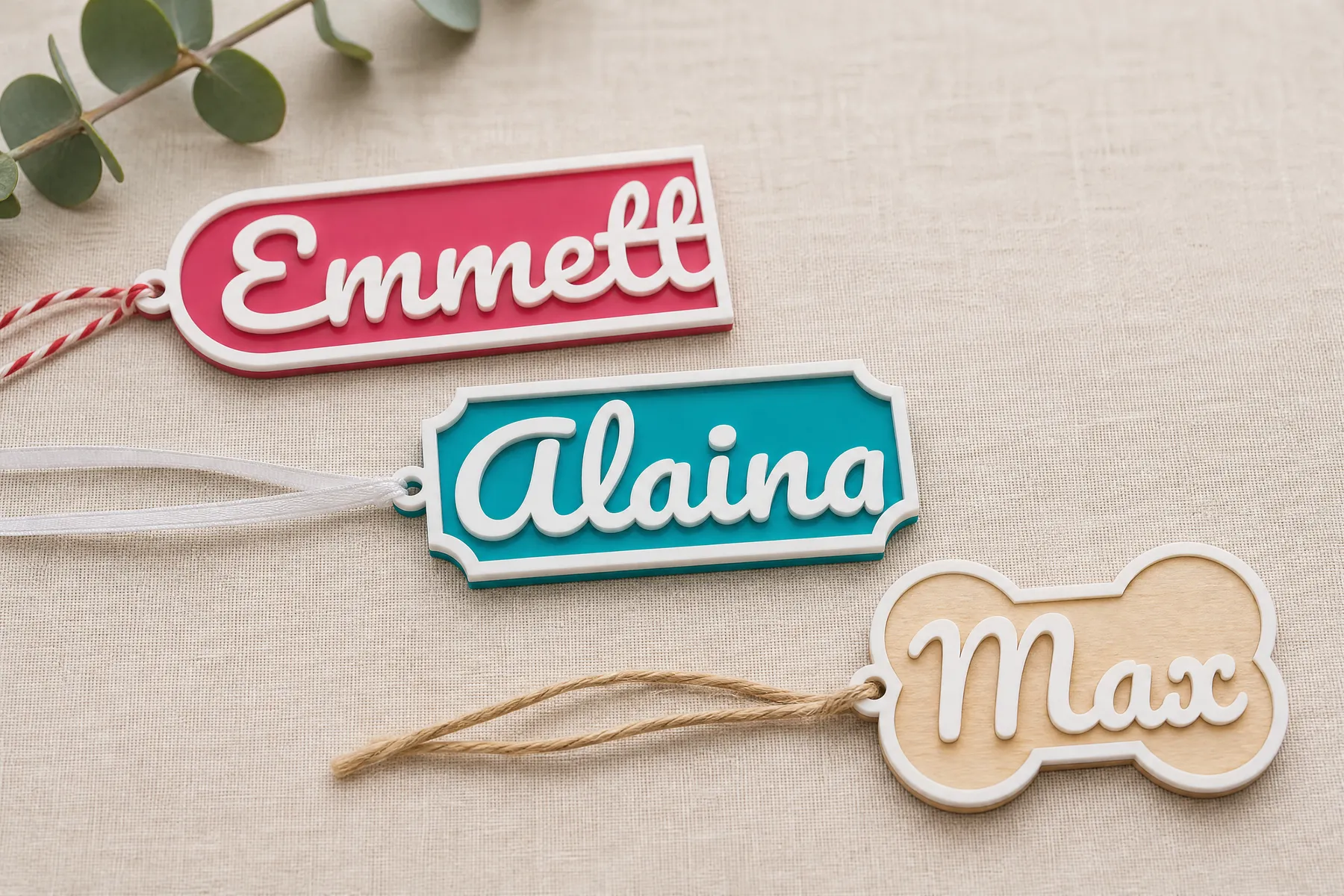
Name Tag Generator
A framed name tag in two layers: the name fills the tag, a border holds it together, and a ring is ready for ribbon. For stockings, gifts and bags.
Open generator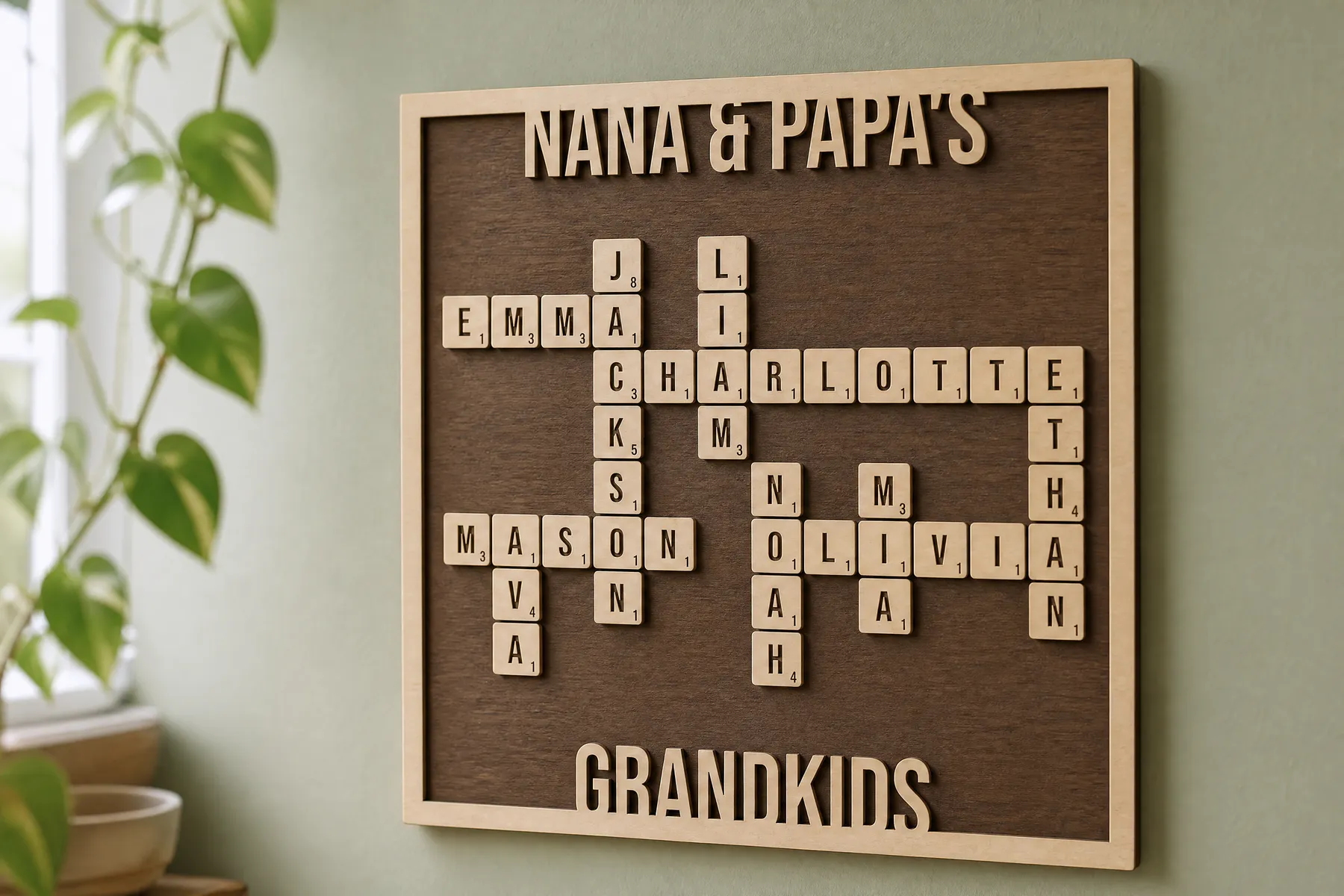
Crossword Sign Generator
A family names crossword: letter tiles on a backboard, inside a frame that carries your own text. Made to the size you ask for.
Open generator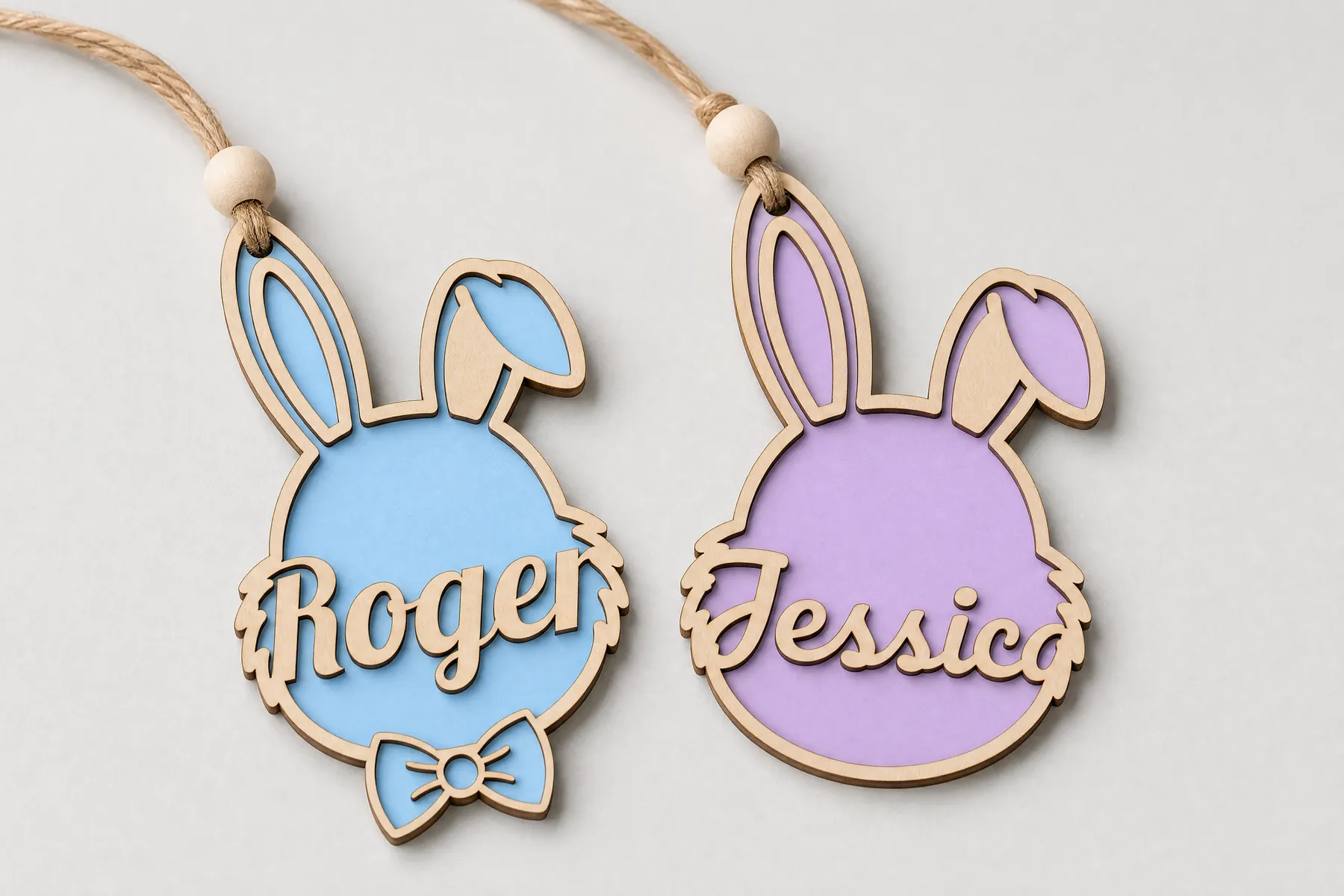
Easter Bunny Tag Generator
A bunny-shaped gift tag in two layers: the name sits across the face, with cheeks, a daisy or a bow if you like. For Easter baskets and gifts.
Open generator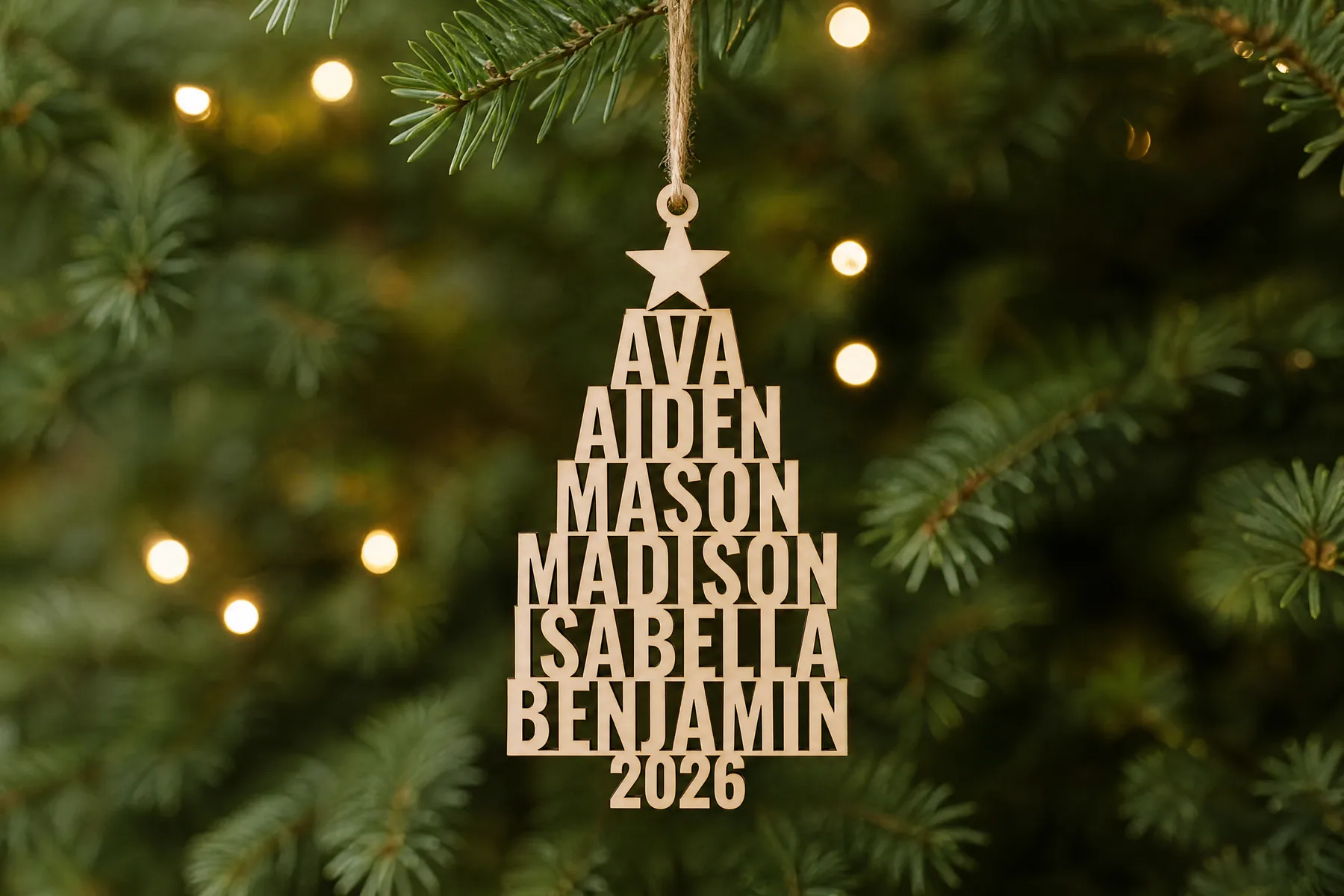
Family Tree Ornament Generator
A Christmas tree built from your family's names: shortest on top, longest at the bottom, the year as the trunk and a star to hang it by.
Open generator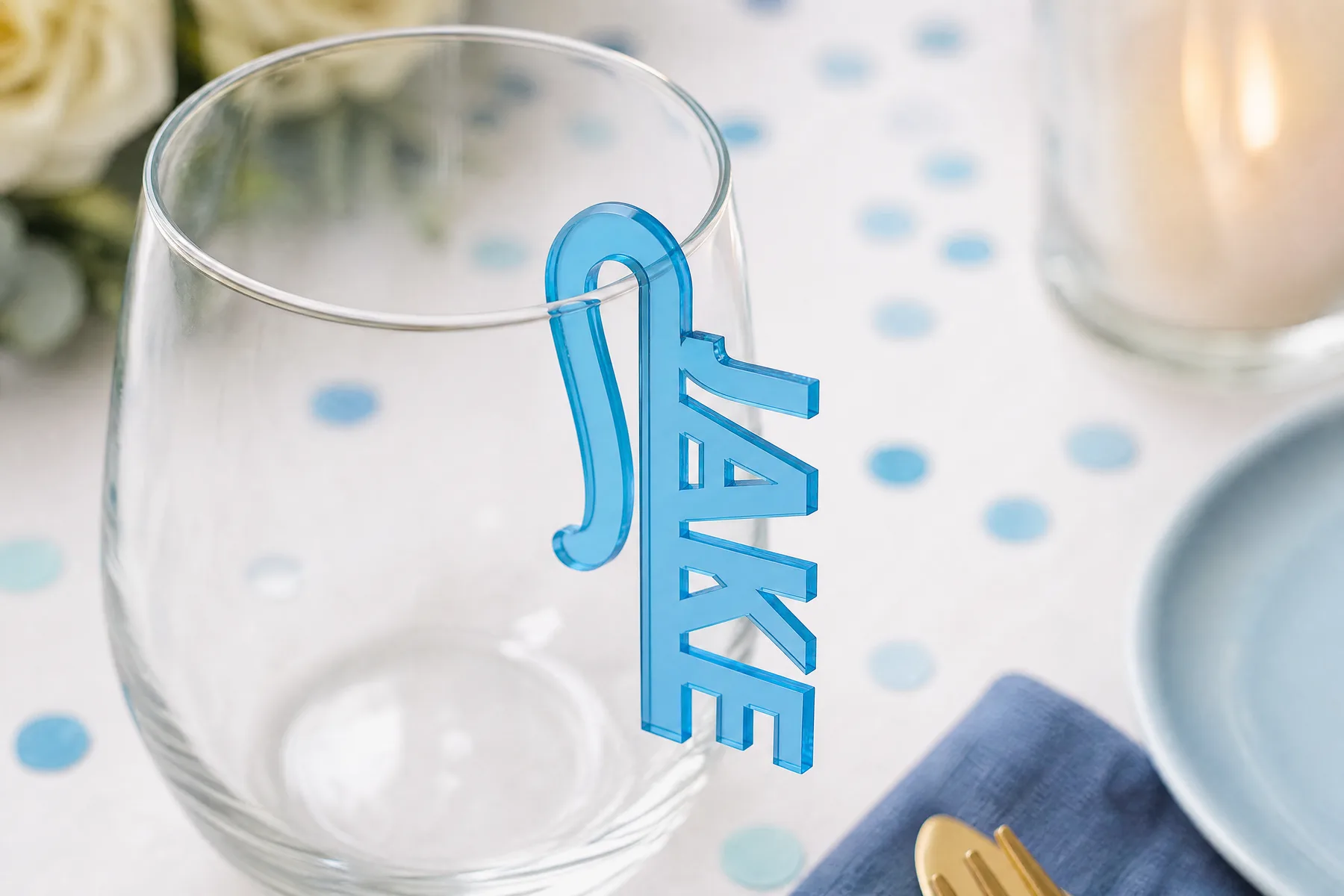
Name Drink Marker Clips Generator
Name tags that clip onto a wine or cocktail glass: place cards and drink markers for a wedding or a party, one for every guest on your list.
Open generator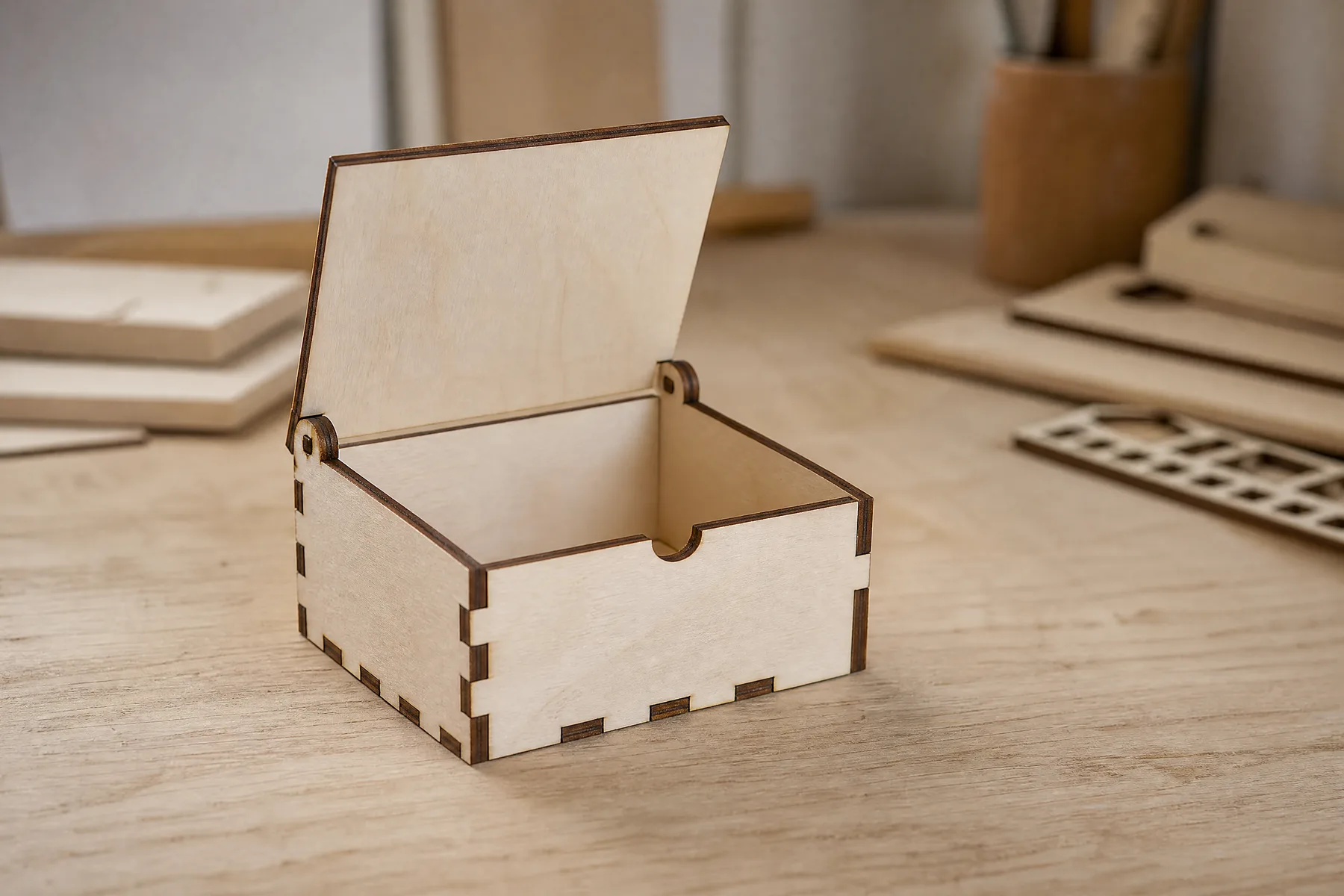
Hinged Lid Box Generator
A press-fit box with a lid that swings on its own pins: no hardware, no glue. Set the size and your material, and every tab and slot is drawn to fit.
Open generator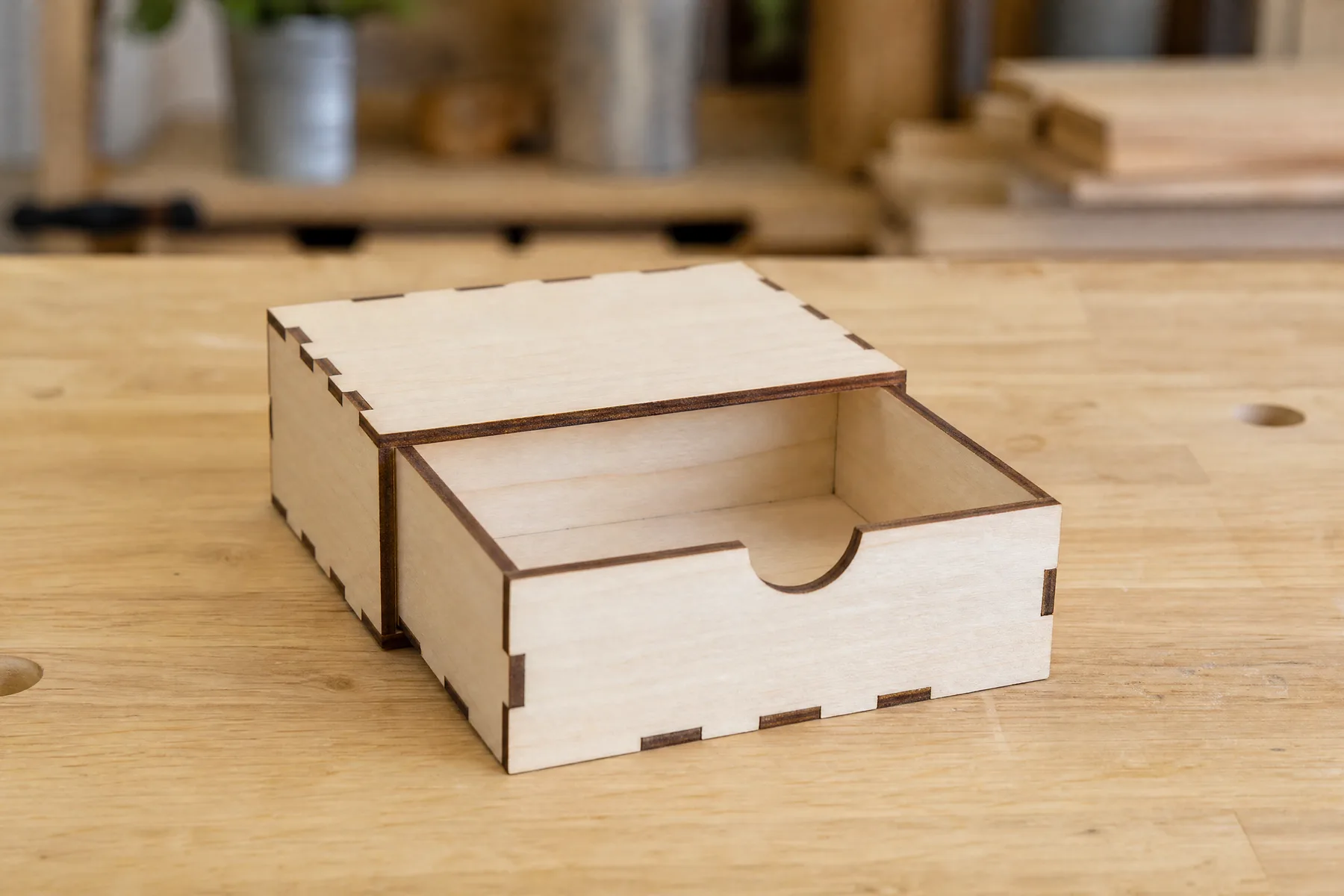
Sliding Drawer Box Generator
A drawer with a finger hole and the sleeve it slides in, both press-fit: no hardware, no glue. Set the size and your material, and all ten panels are drawn to fit.
Open generator