Car Visor Photo Frame Generator
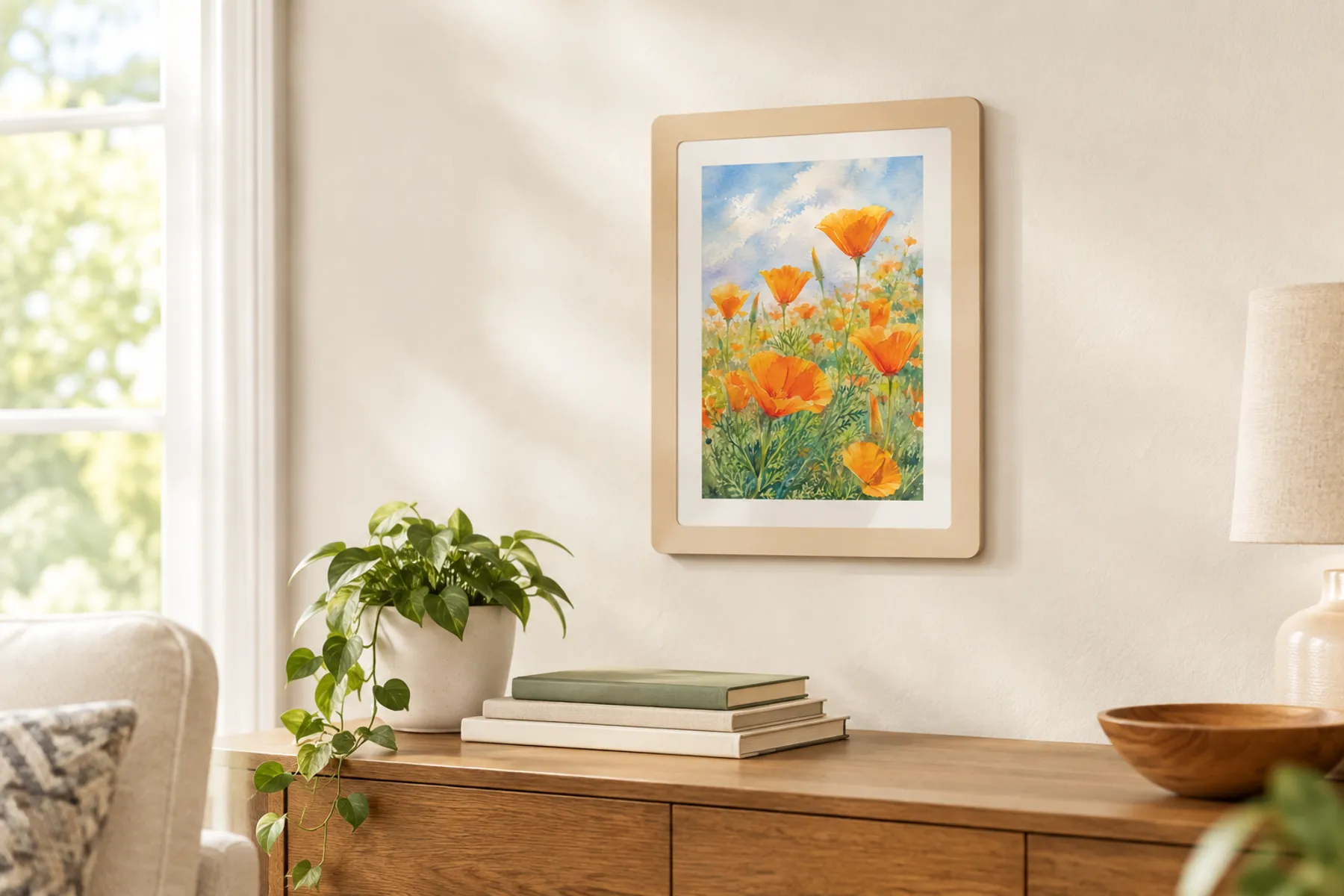
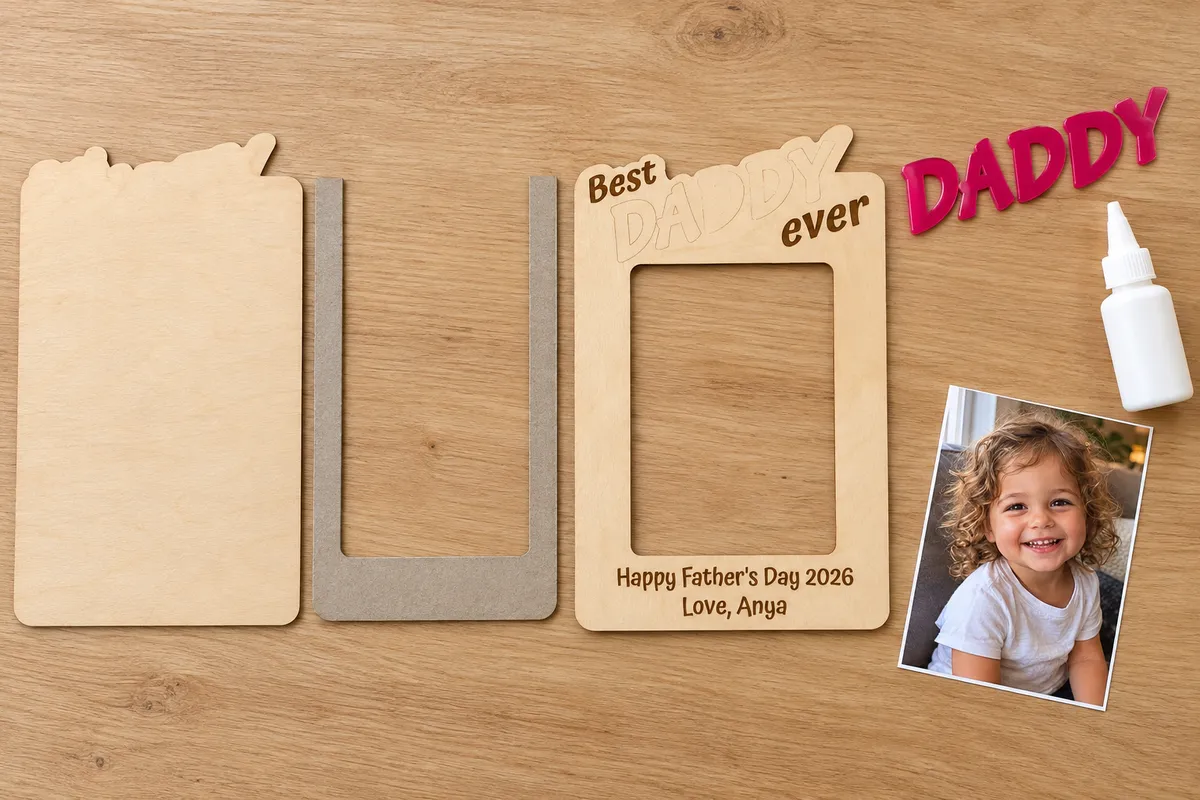
A wallet photo frame in four layers: a big accent word on a badge, small engraved words around it, and a slot the photo slides into. Clip it to a car visor or add a magnet.
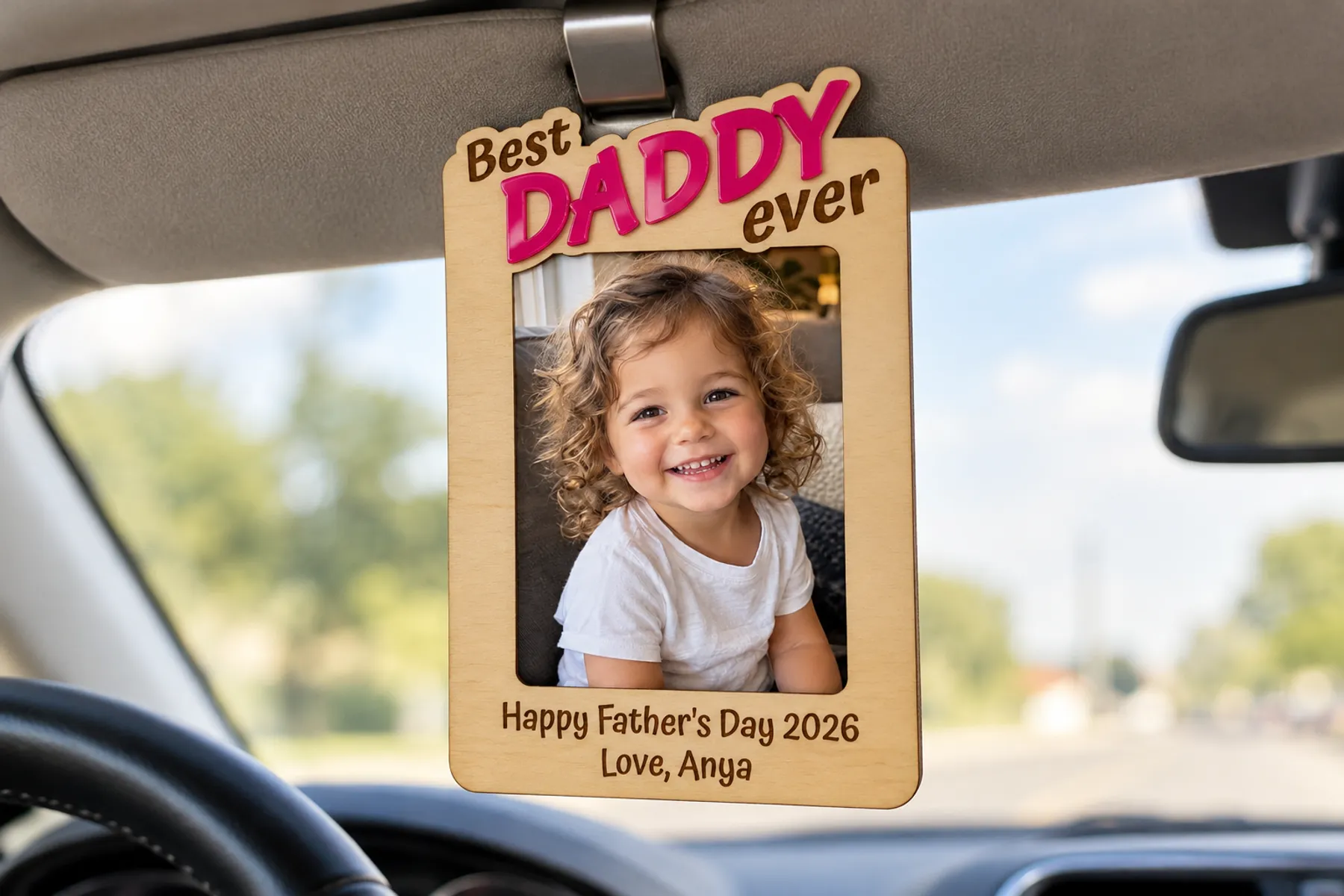
Type an accent word to see your frame.
Free preview · Unlimited downloads with any plan
Words
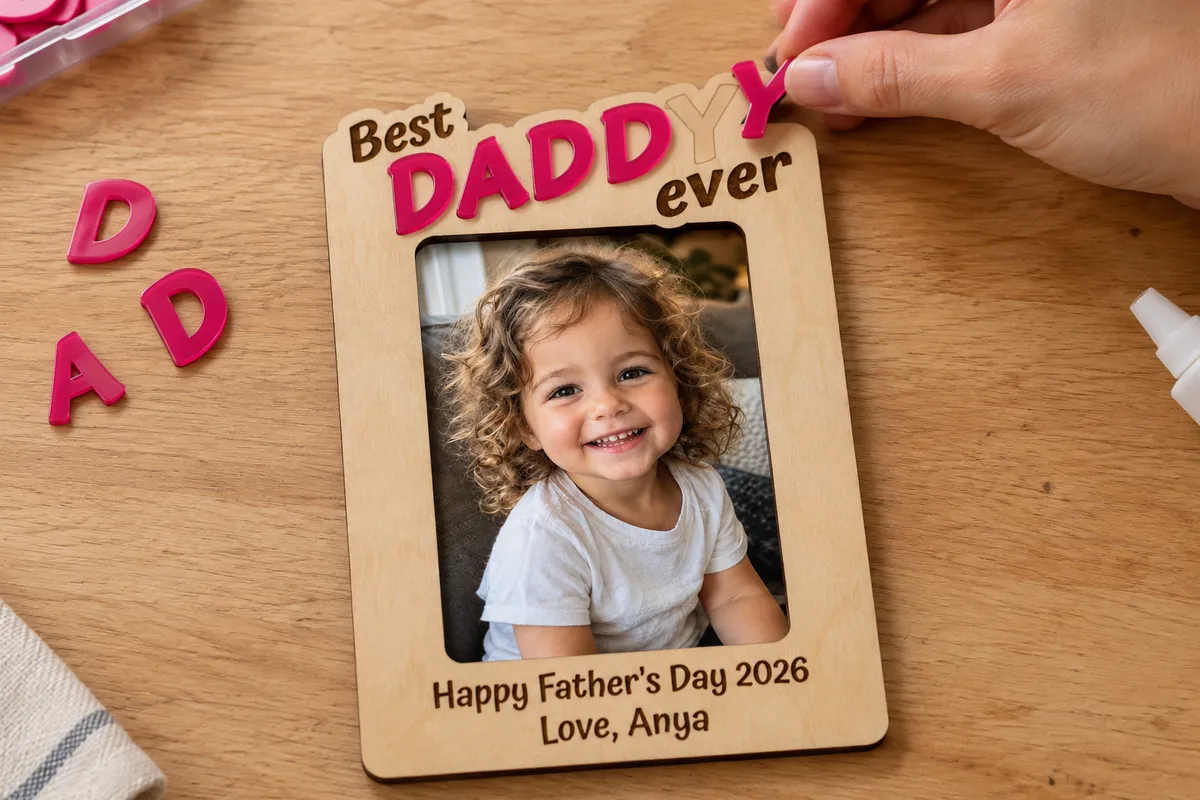
The accent word is cut from its own sheet. The others are engraved on the front.
Photo size
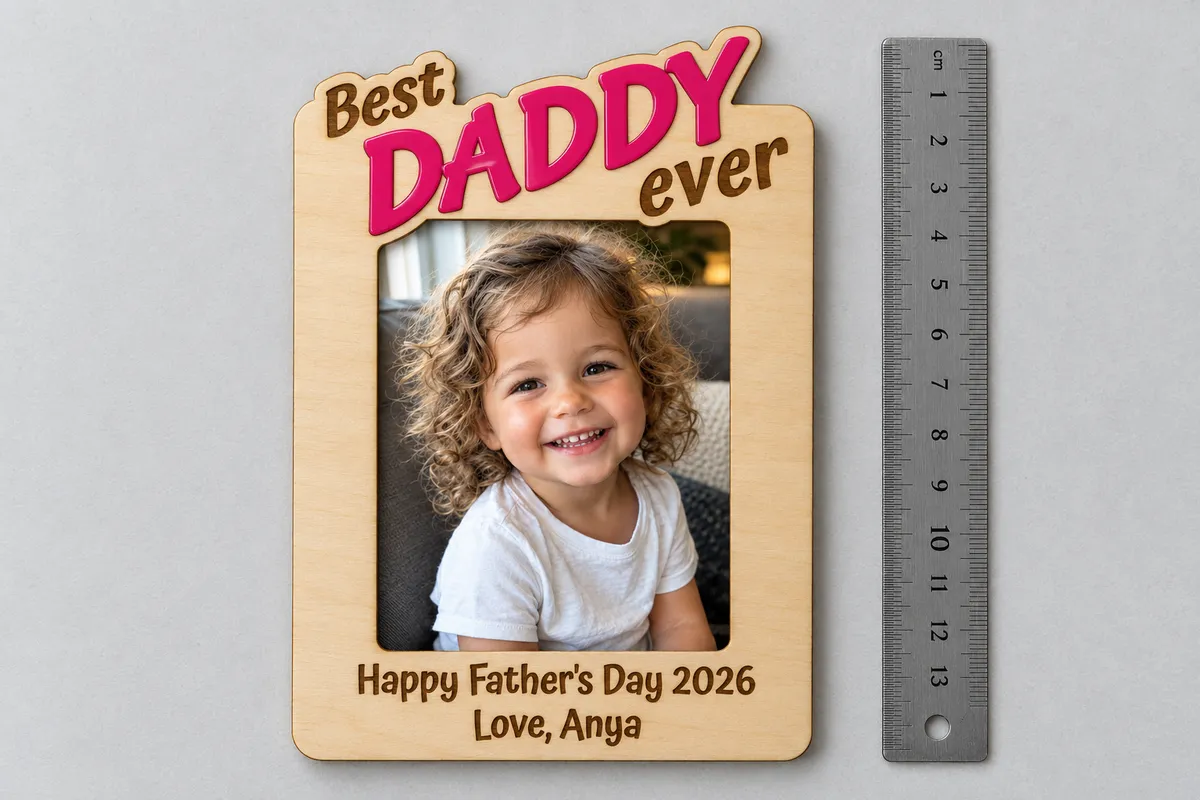
A wallet photo is 2.5 × 3.5 in (64 × 89 mm). The window is 3 mm smaller on each side, so the edges stay hidden.
Corner rounding
Top text
Position is how much of the top text stands above the frame. The slope tilts the line; the letters stay upright.
Accent word font
Above font
Below font
Bottom font
Materials
From words to frame
In the generator
At your machine
What is in the file
- Real size
- The SVG is in millimetres. Open it in LightBurn or xTool Creative Space and the window fits the photo size you set here.
- Four layers side by side
- Back, U, front and accent word sit in one row, each cut in red. The front's small words and bottom lines are filled black for engraving.
- A guide for the accent
- When the accent word comes in several pieces, a blue line on the front marks where each letter goes.
Questions about the photo frame generator
Designing and previewing is free and needs no account. Downloading the SVG, 3MF and STL files and opening the design in the editor is included in every VectorWitch plan, with no limit on downloads.
A wallet photo (2.5 × 3.5 in, 64 × 89 mm) upright or sideways, or any size you type in. The frame reaches 9 mm past the photo at the sides and covers 3 mm of its edge, so the cut edge of a print never shows.
The middle layer is a U, open at the top. It leaves a slot between front and back, and the photo slides down into it from behind the badge. You can swap the photo any time.
Any laser cutter that opens SVG. The file opens in LightBurn and xTool Creative Space, is drawn in real millimetres, and marks cuts in red, engraving in black and, when the accent word comes in several pieces, their places in blue. The 3D print tab downloads a 3MF with one coloured part per layer, or one STL file.