Picture Frame Generator
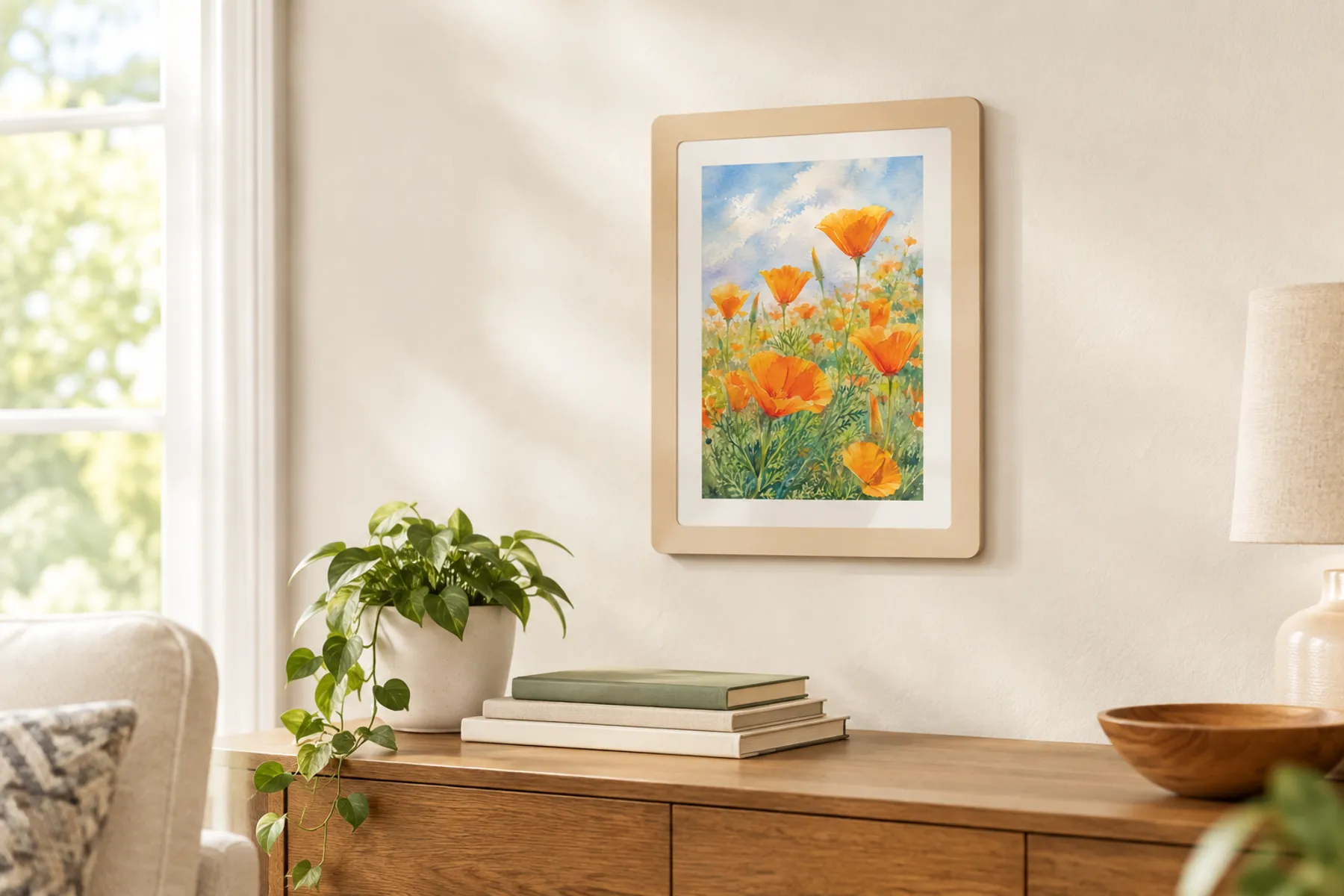
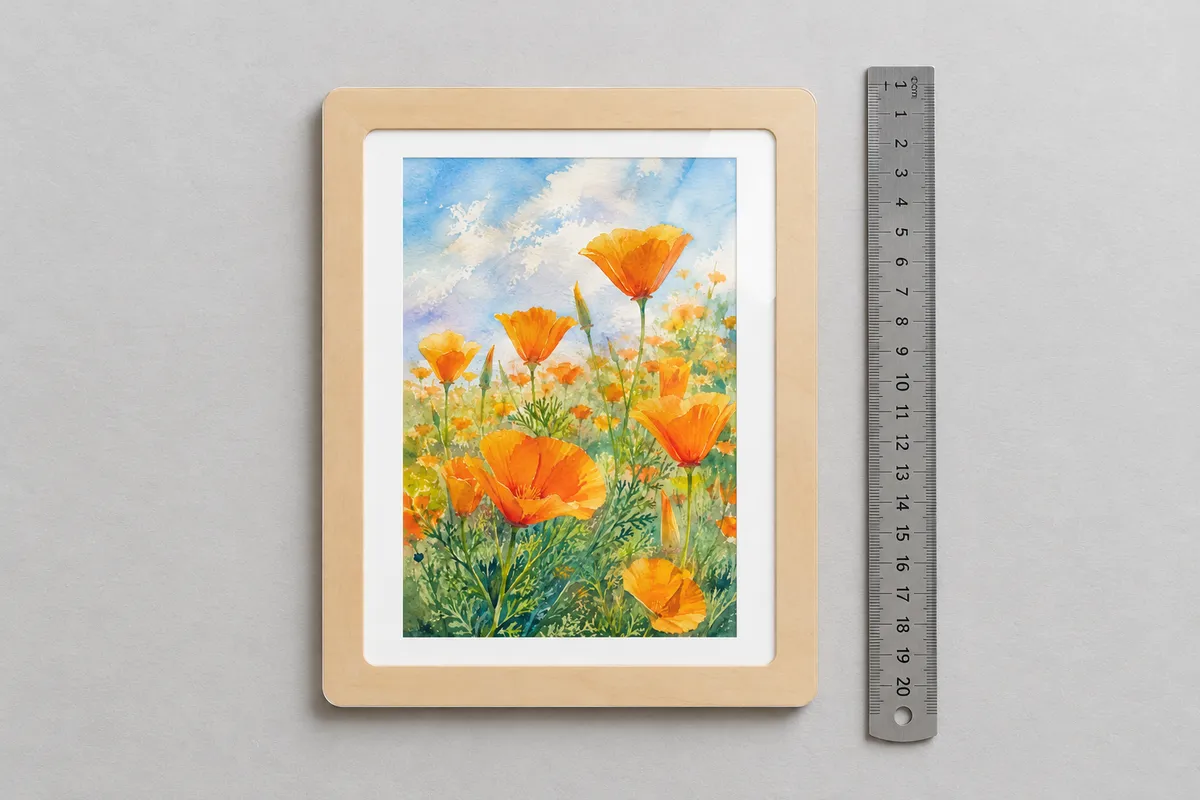
A wall picture frame for any print size: a clear cover slides in from the top to protect the picture, and the back has a hanging hole built in.
Set a picture size to see your frame.
Free preview · Unlimited downloads with any plan
Picture size
Only shown in the preview. It stays in your browser and is never uploaded.
The size of the print you are framing. The frame is built around it.
Inside border
Space between the picture and the frame, like the mat of a classic frame.
Frame width
How wide the frame is around the window.
Corner rounding
Advanced
The glazing reaches this far under the frame on each side, which holds it in. The hanging hole sits above the glazing.
Materials
How the frame goes together
- 1
Glue the spacer to the back
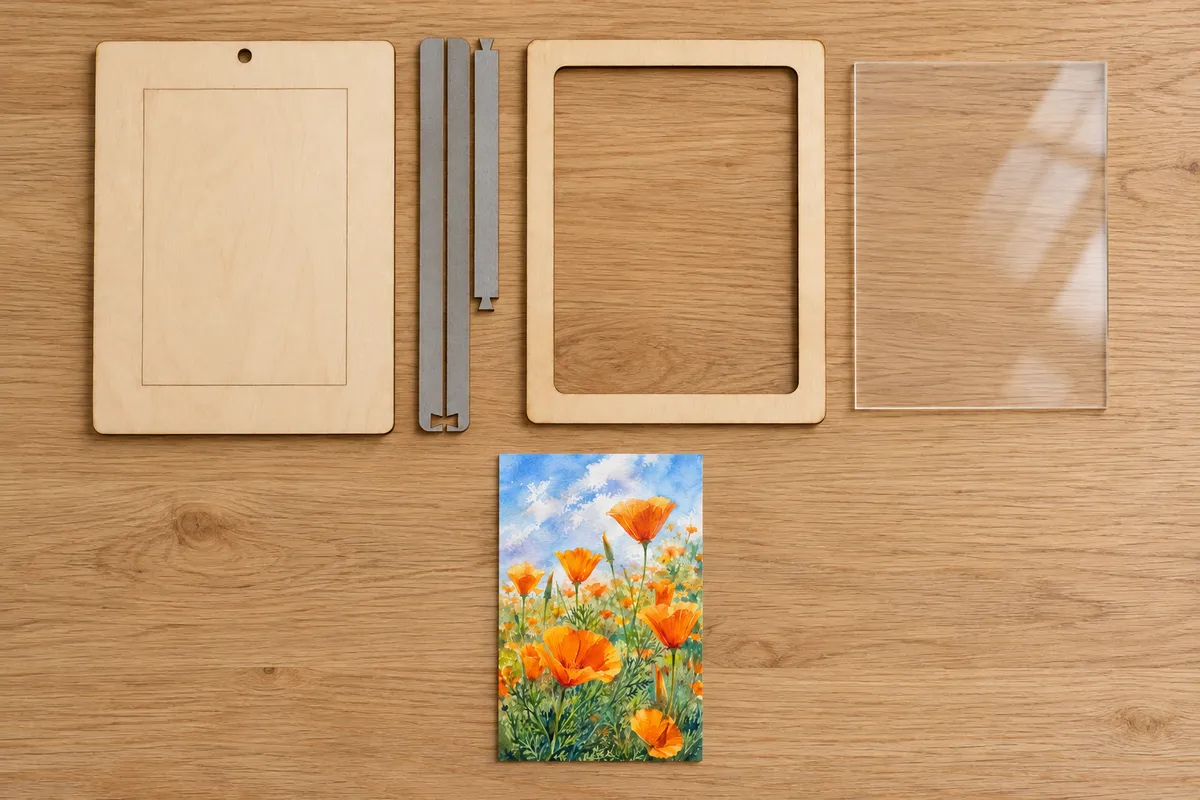
Lock the three spacer bars together with their dovetails and glue them along the sides and bottom of the back, edges aligned.
- 2
Glue the frame on top
Glue the frame onto the spacer, edges aligned with the back. The open top of the spacer leaves a slot under the frame.
- 3
Slide in the picture and glazing
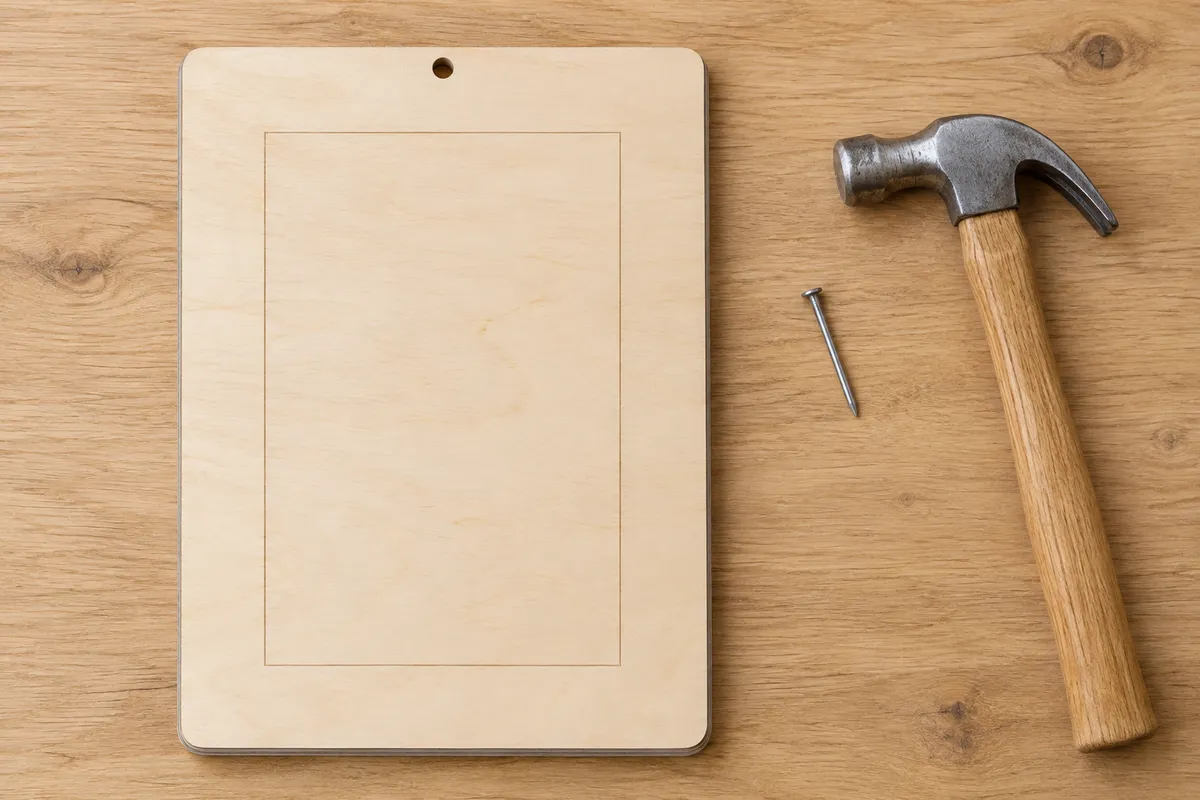
Lay the picture on the scored outline, slide the glazing down into the slot from the top and hang the frame from the hole in the back.
What is in the file
- Real size
- The SVG is in millimetres. The window fits the picture and border you set here.
- Every part in one row
- The back, the three spacer bars packed side by side, the frame and the glazing, each cut in red. The bars lock together with dovetails.
- A hole to hang it
- The back has a hanging hole above the glazing, where the nail head has room, and a scored outline that places the picture.
Questions about the picture frame generator
Designing and previewing is free and needs no account. Downloading the SVG, 3MF and STL files and opening the design in the editor is included in every VectorWitch plan, with no limit on downloads.
Any size: pick 4 × 6, 5 × 7 or 8 × 10 in, A5 or A4, upright or sideways, or type your own. The window is the picture plus the inside border on every side, and the frame grows around it.
The spacer between the frame and the back is open at the top. The glazing slides down into that slot and rests on the spacer's bottom bar; it is a little larger than the window, so the frame holds it in. Use acrylic no thicker than the spacer.
Any laser cutter that opens SVG, such as with LightBurn or xTool Creative Space. The file is drawn in real millimetres: red lines are cut and the picture's place is scored in blue on the back. The 3D print tab downloads the frame, spacer and back as a 3MF or STL; the glazing is cut from acrylic.